Change a product’s description, price, images, or stock from the Products section of your dashboard.
Accessing the Product Editor
- Log in to your Quick Elements dashboard
- Navigate to Products > All Products
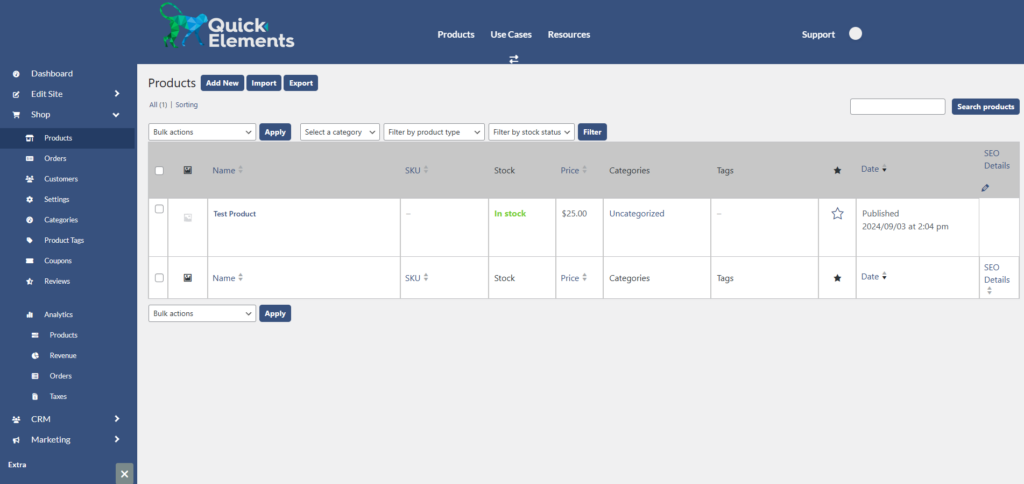
- Find the product you want to edit and click on its name
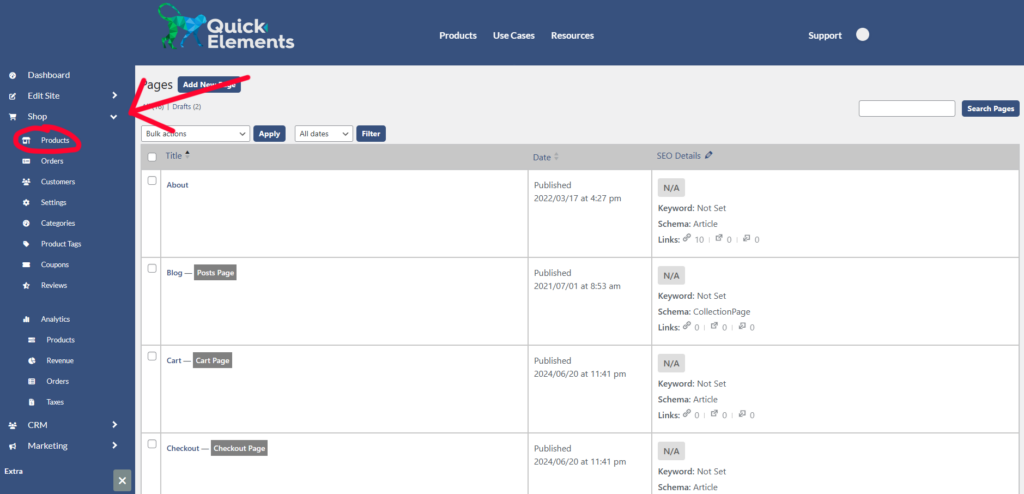
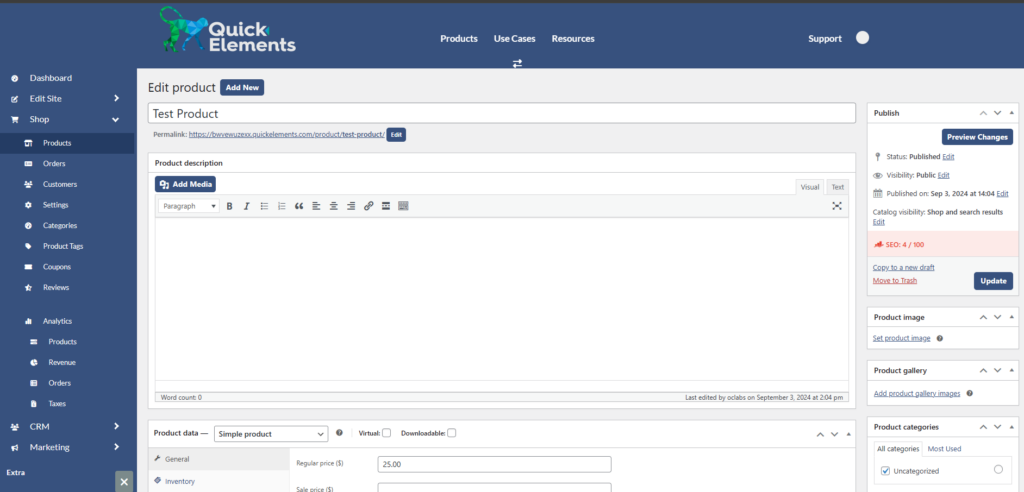
Then you can click the product you want to edit, or press “Add New”
Editing Basic Product Information
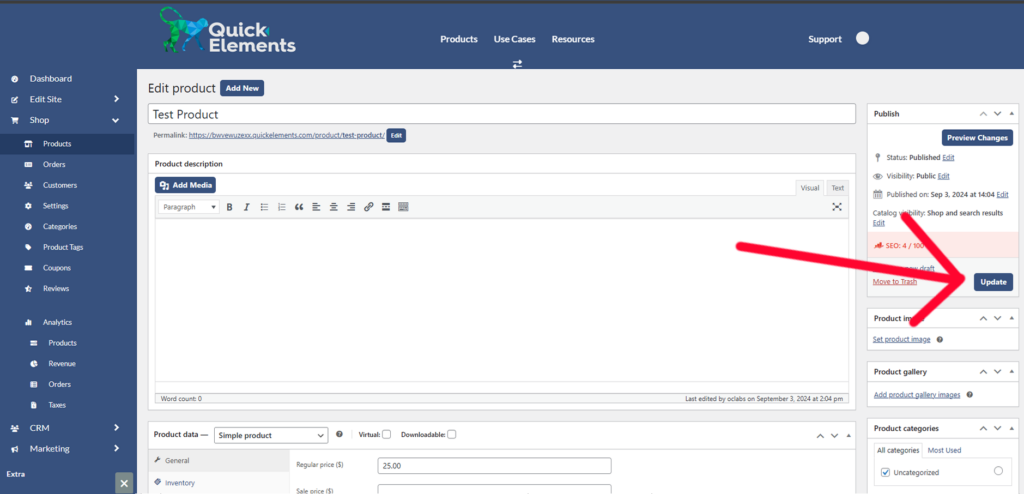
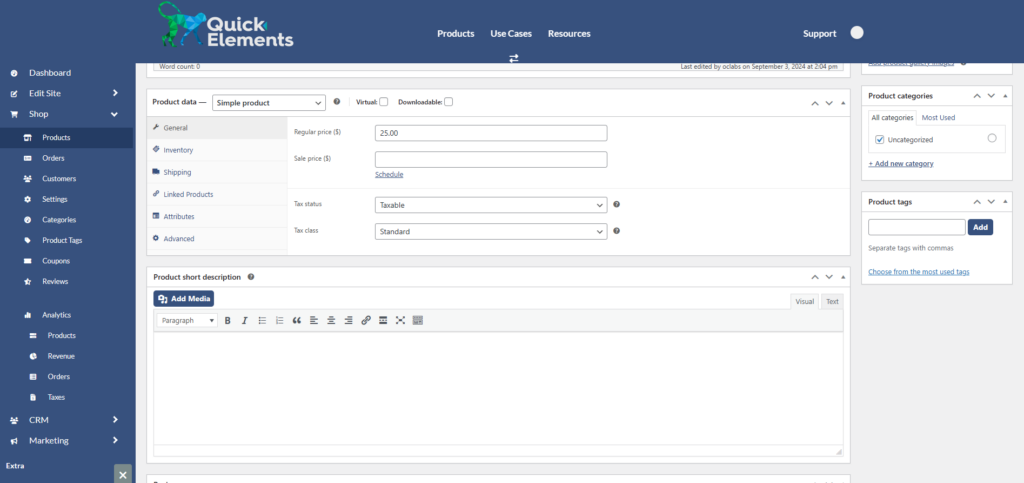
In the product editor, you can modify:
- Product name
- Description
- Regular and sale prices
- SKU
- Stock status and quantity
Saving Changes
Don’t forget to click the ‘Update’ button after making your changes!