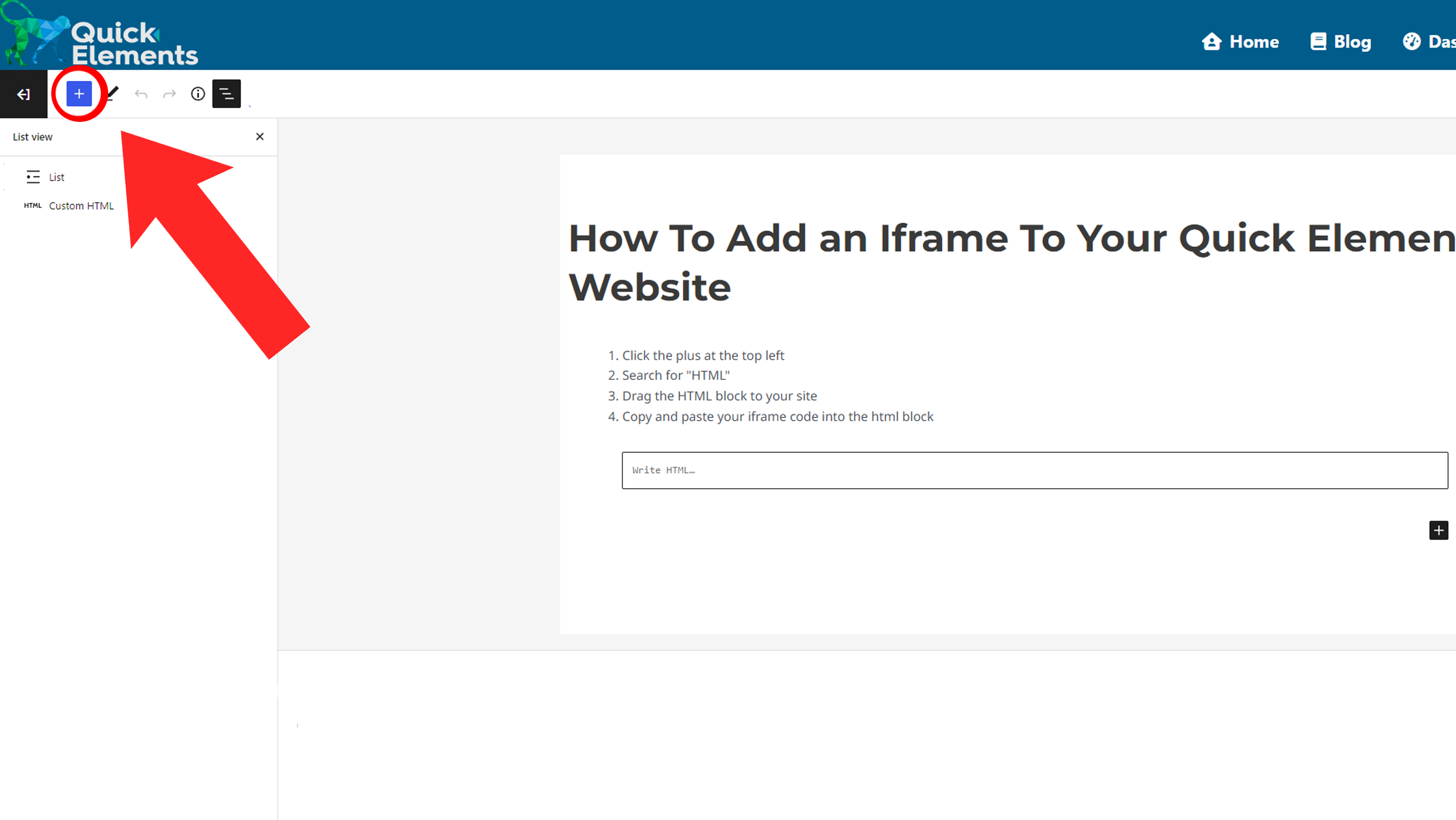
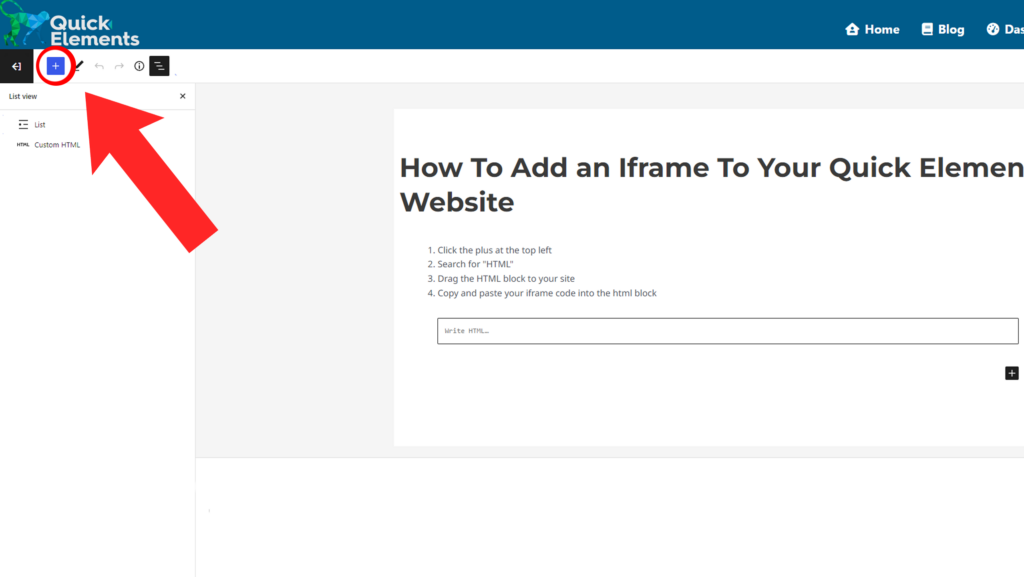
1) Click the plus at the top left to add a new element
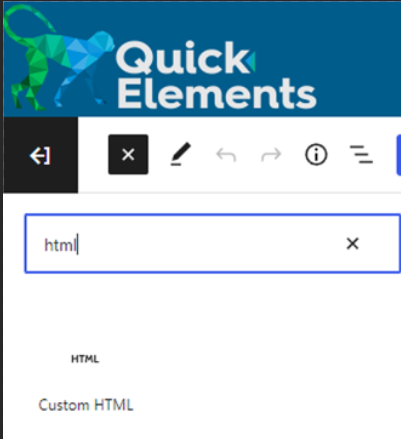
2) Search for the “HTML” block
3) Drag the HTML block to your site
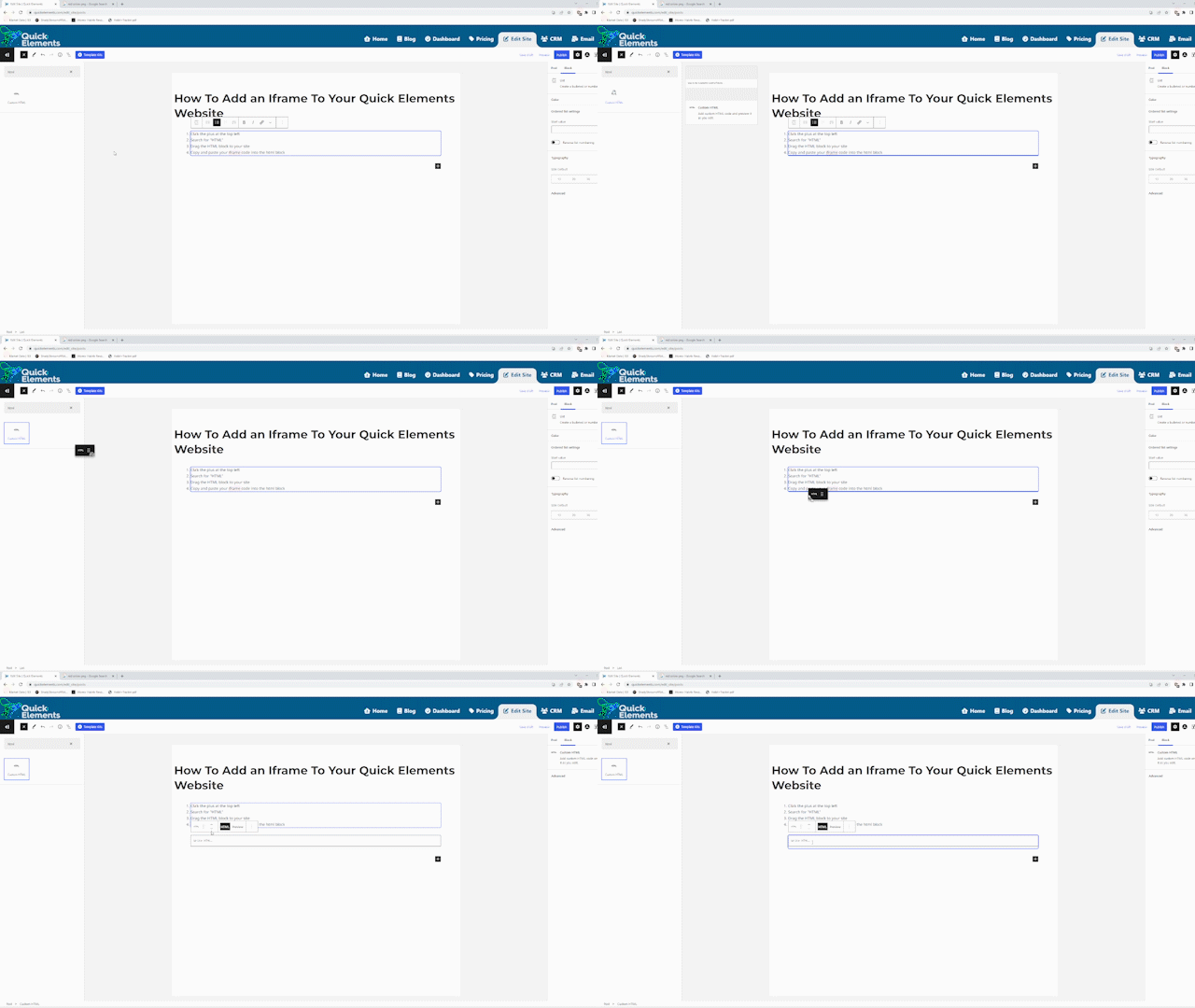
4) Copy and paste your iframe code into the html block

5) Preview your iframe!

Add an iframe to a page with an HTML block, then preview the result.