
Blog
Guides for building your website.
67 articles on setting up your site, selling online, and reaching customers.
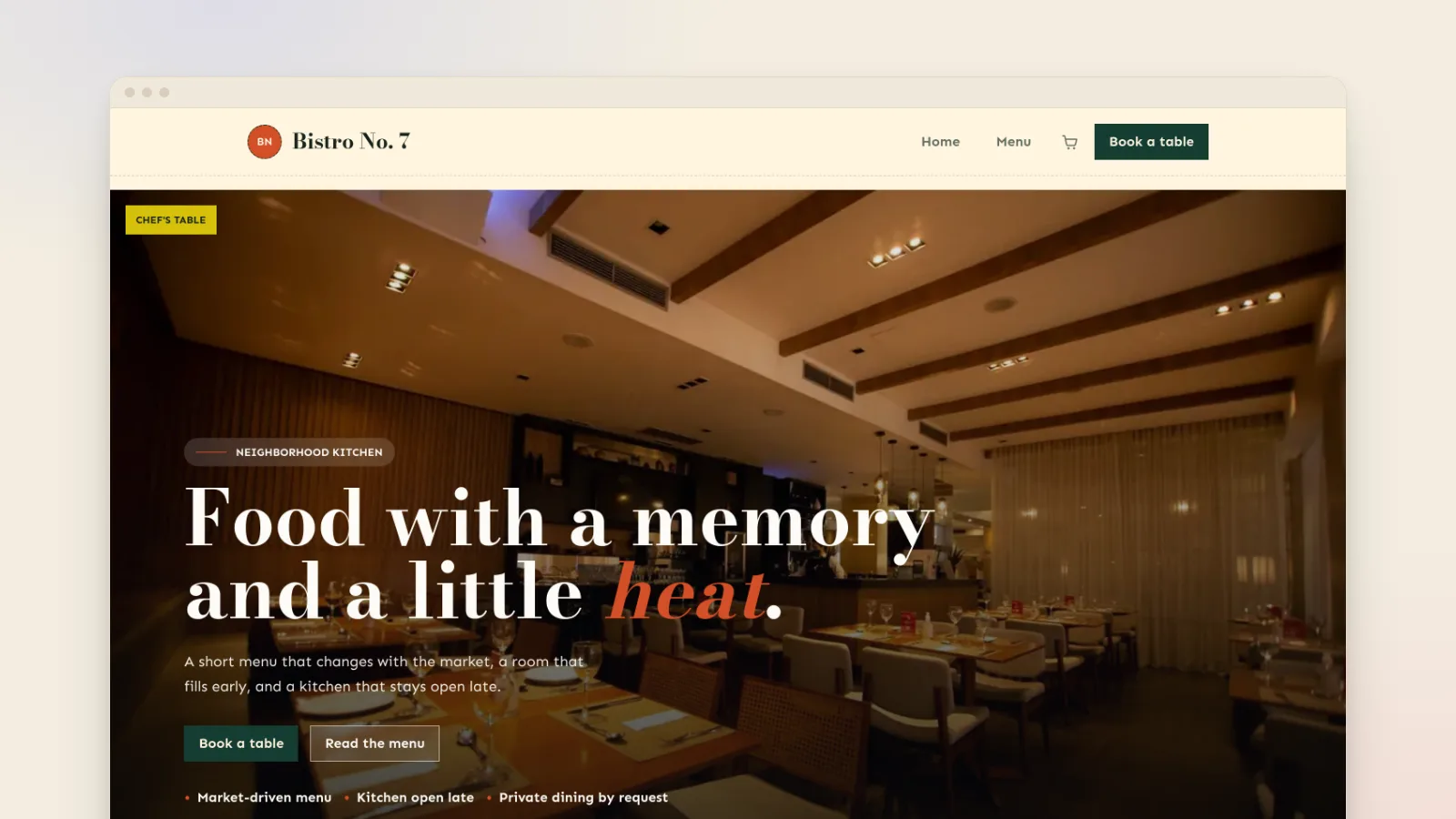
Commission-free online ordering for restaurants
Delivery apps take 15% to 30% of a delivery order and 6% to 7% of a pickup. Here's what each plan costs on a real order, and how to take pickup orders on your own site.
Read the article →General
Etsy fees explained: what you keep per sale
Etsy takes a listing fee, 6.5% of the order, card processing and, on some sales, 15% for its ads. Here's what that leaves you on a...
Eventbrite fees: what a ticket really costs
Eventbrite charges US organizers 3.7% + $1.79 a ticket plus 2.9% processing. Here is what that takes from a $10, $25, $50 or $100...
How much does a small business website cost?
Every cost line for a small business website in 2026, from the domain to card fees, with real builder prices and the costs that on...
How to accept payments on your website
You need a checkout and a payment account that pays your bank. Here are the three ways to set that up, what each costs, and a chec...
How to Add Online Booking to Your Website
Link out to a booking app, put one inside your page, or take bookings on your own site. What each costs, and how to set one up so...
How to connect your domain to a new website
You don't have to move a domain to use it on a new website. Change a few settings where you bought it, and here's exactly which on...
How to get a professional email address
A professional email address needs two things: a domain you own and an email service to run it. Here's how to set one up, what it...
How to get your business on Google Maps
Create and verify a free Google Business Profile, choose a storefront or service area, and give Google the details it uses to deci...
How to make a website for your salon
A salon website has one job: let clients see your services and prices and book a time without calling. Here's how to build one, st...
How to Prevent Double Bookings and Overbooking
Double bookings come from bookings arriving through more than one door. One calendar, linked services, buffer time and a final che...
How to Reduce No-Shows (Without Losing Clients)
Payment at booking and two well-timed reminders do most of the work. Here is the rest: wording, timing, policies, and what to do w...
How to Sell Class Passes and Memberships Online
Drop-ins, class packs and monthly memberships: how to price each one, sell them on your own site, and keep count of classes withou...
How to Sell Gift Cards Online for Your Business
Sell experience gift cards from your own site, send a code, and turn each recipient into a booking. What it costs, compared with t...
How to sell merch online for a band or creator
Start with three products, print to order so nothing sits in boxes, and sell from a store you own. How bands, venues and creators...
How to Sell Workshops Online and Fill Every Seat
Plan around your room, price so every session pays, write a page that answers every question, and fill the last places. For potter...
How to set shipping rates for your online store
Work out what a parcel really costs, charge one flat rate, offer free shipping above an amount people can reach, and let locals co...
How to start a print on demand store
Put your designs on shirts, mugs and posters, price them for a real margin, and have each order printed and shipped after it sells...
Switch website builders without losing SEO
Moving to a new website builder doesn't have to cost you your Google rankings. Keep four things and follow this plan before, durin...
How to Take Deposits for Appointments
When to ask for a deposit, how much, how to word it, and three ways to collect one online, with examples from tattoo, hair, beauty...
How to take pre-orders online for a small shop
Take payment up front, cap how many you'll make, and tell people exactly when it's ready. A bakery, maker or small shop can run al...
How to Write a Cancellation Policy (Examples)
What to include, how much notice and what fee to ask for, and six policies you can copy for salons, spas, classes, workshops and c...
How to write a homepage that wins customers
What to put in the first screen, how to write a headline that works, and the order of sections that turns visitors into bookings a...
Small business website checklist: 20 essentials
The 20 things every small business website needs before launch, from the padlock and a clear headline to prices, booking and a Goo...
VidTL Makes Video Editing Way Less Painful
See how VidTL helps with captions, audio cleanup, trimming, and publishing videos.
How to Make a Website for Your Yoga Studio
Build a yoga studio website with class information, teacher profiles, and booking.
Yoga Studio Website Template with Booking and Subscriptions
Start a yoga studio site with class pages, bookings, teacher profiles, and subscriptions.
How to Improve Your Google Search Ranking
Choose useful search terms, improve your pages, and track where they rank. Rankings are never guaranteed.
How To Grow Your Newsletter Business
A year of newsletter lessons on choosing a topic and giving readers a reason to return.
Why Quick Elements?
Why we built Quick Elements for people who want help making and running a website.
Why We Started Quick Elements
The trouble friends had getting a website ready for business led us to start Quick Elements.
How to Sell Event Tickets Online (On Your Own Website)
Compare what ticketing platforms charge per sale, then set up ticket sales on your own site.
How To Use The Quick Elements Block Editor
Add text, images, products, and other content to a page with blocks.
Quick Elements vs Shopify: Which E-commerce Platform Is Better?
Compare store tools, customization, and pricing in Quick Elements and Shopify. Check current plans before deciding.
How To Add Your Quick Elements Email To Your iPhone
A short walkthrough of adding your Quick Elements mailbox to the Mail app on an iPhone.
How to Create & Edit Quick Elements Forms
Create a contact form and edit its fields, messages, and appearance.
How To Add an Iframe To Your Quick Elements Website
Add an iframe to a page with an HTML block, then preview the result.
How To Add Your Quick Elements Email Account To Outlook
Find your mailbox settings and add your Quick Elements email to Outlook.