
Quick Elements and Shopify both let you run an online store. The better fit depends on what you sell, how you want to edit your site, and which tools you need alongside the store. This comparison was first published in 2023. Check each platform’s current plans and fees before deciding.
Pricing and Cost
Start with the full monthly cost. Include your plan, payment processing, any paid themes or apps, and the email tools you expect to use.
Quick Elements pricing
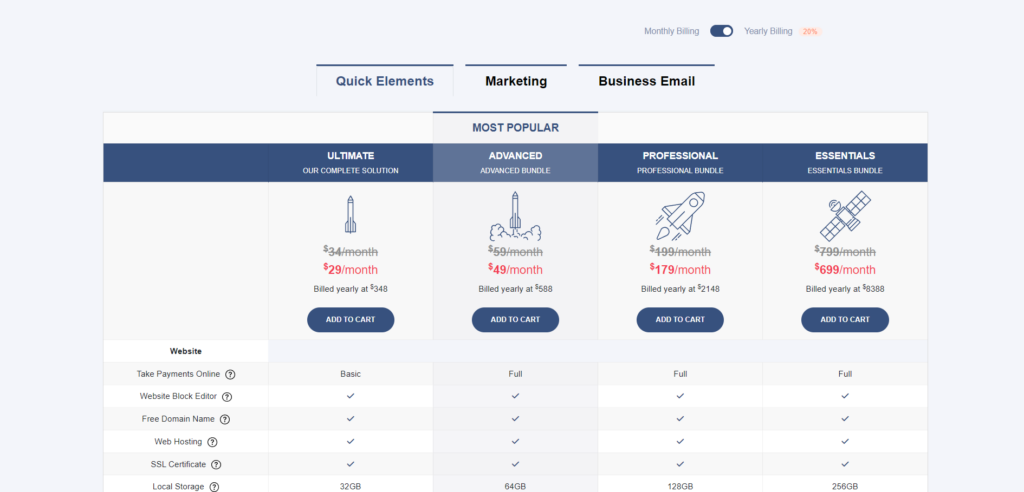
Quick Elements offers website plans with store features. The pricing page shows current plan prices, storage, and fees. Choose the tier that covers the number of products and sales you expect, then check the cost of any other tools you need.
Shopify pricing
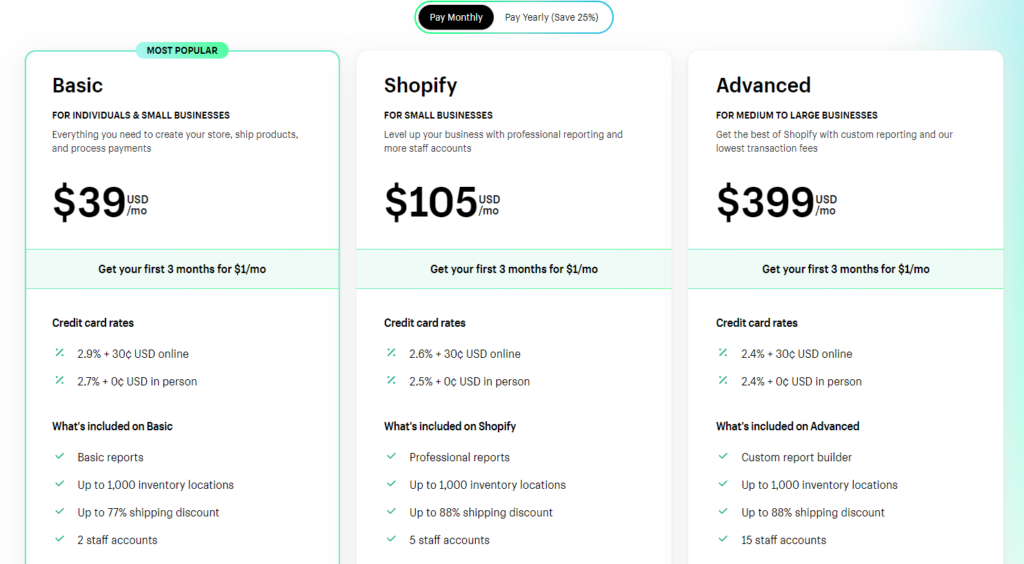
Shopify has several store plans. Themes, apps, and payment choices can change the total cost. Review the current Shopify plans and price the setup you would actually use.
Payment fees
Check what you would pay for card transactions, refunds, and any payment service you plan to use. Fees vary by plan and provider, and they can matter more than a small difference in the monthly subscription if you sell a lot.
There are two separate needs here: a mailbox for messages to customers and a tool for campaigns. Quick Elements offers both business email and marketing tools. Compare mailbox and campaign costs separately when looking at either platform.
Ease of Use
The quickest way to judge an editor is to try a typical task: add a product, change its page, and place a test order.
Quick Elements
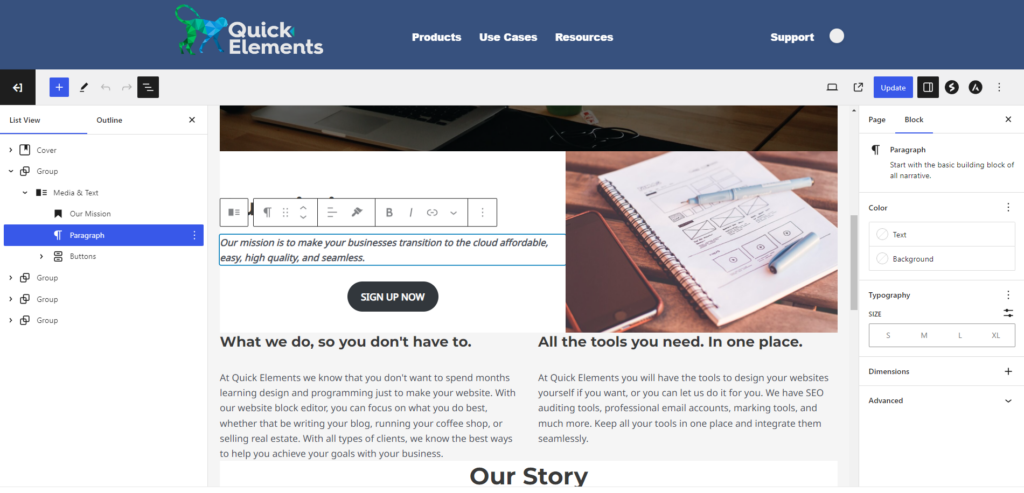
Quick Elements uses a block editor for site content and a dashboard for products and orders. You can start with a template, then edit the pages around your store. See the block editor guide for a walkthrough.
Shopify
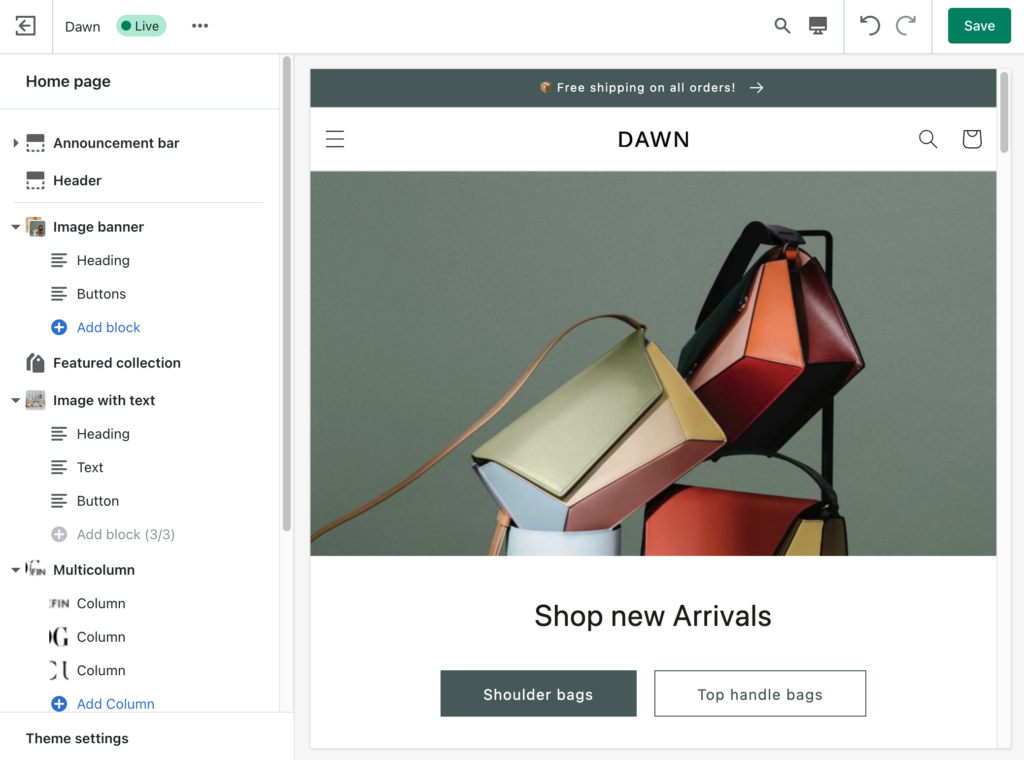
Shopify focuses its dashboard on store tasks such as products, orders, and sales channels. Its theme editor controls the look of the store. Try changing the parts of a page you expect to update often, especially if you plan to publish more than product listings.
Customization and Design
Both platforms offer templates. Check whether a template has the pages you need, how it looks on a phone, and how much work it takes to change the layout.
Quick Elements
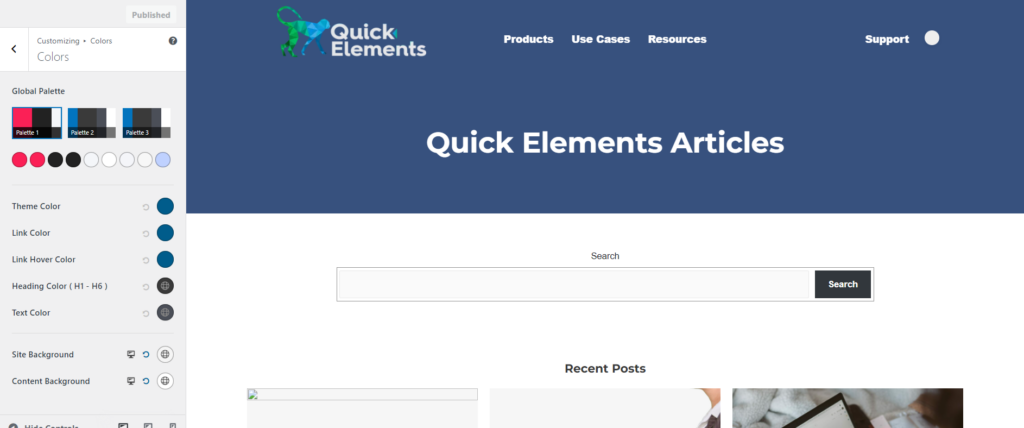
You can edit text, images, and page sections with blocks. If your business also needs articles, event pages, or service pages, build those in the same site. The amount of code you need depends on how far you want to depart from the template.
Shopify
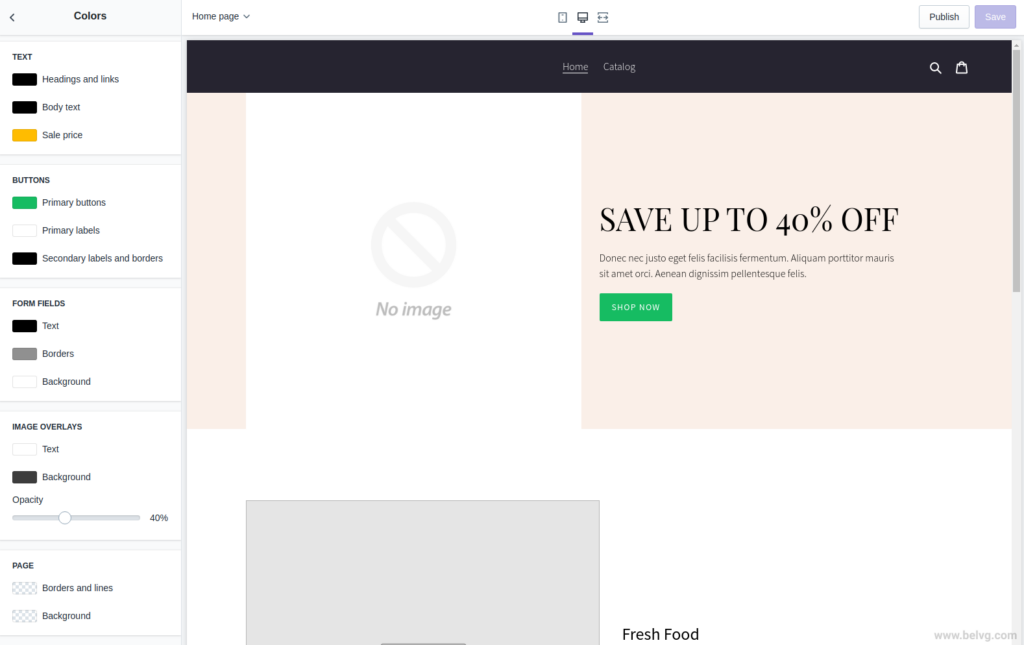
Shopify themes give you a ready-made store layout. Themes and apps add different design options, sometimes at an extra cost. Check the details of the theme you choose before assuming a particular page section is available.
Store Features
Make a short list of the work your store has to do: product options, stock tracking, shipping, discounts, reporting, and any subscriptions or events. Then compare those jobs on the plans you can afford.
Products and pages
Both platforms let you publish products and build pages around them. Quick Elements also has tools for pages and articles elsewhere on the site. Shopify centers the store, with themes and apps for additional needs.
Inventory
Check how each platform handles variants, stock changes, and low-stock warnings for the number of products you sell. A short test with one product in several sizes will show whether the workflow suits you.
Reports
Look for the numbers you will check each week: orders, revenue, stock, and where visitors came from. Make sure the plan you are considering includes the reports you need.
Email and automation
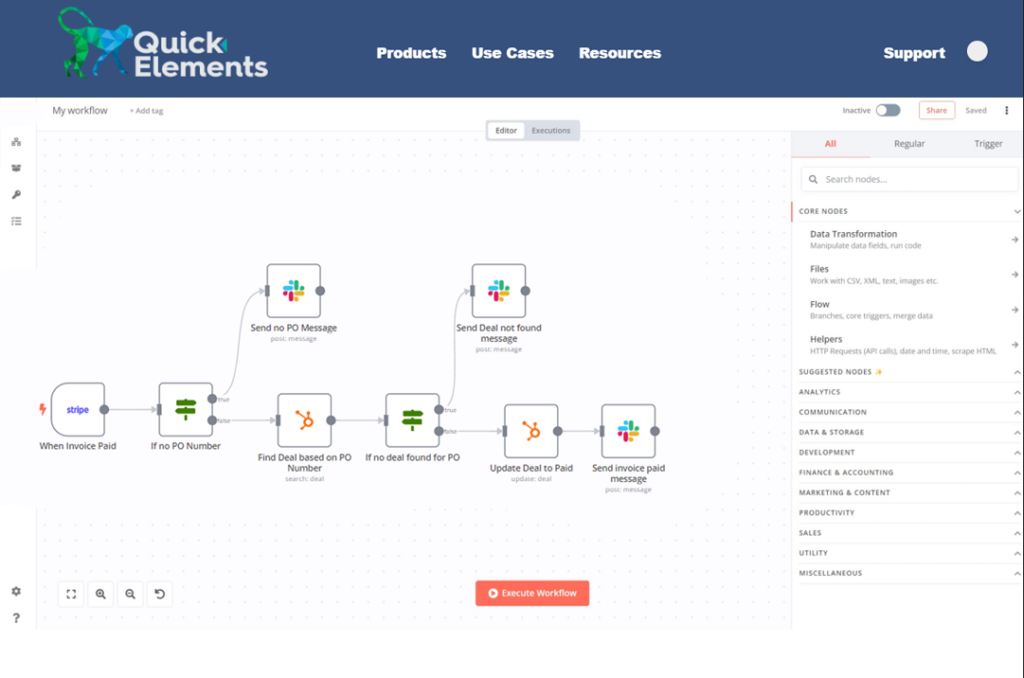
If you plan to send newsletters or automate follow-ups, include those tools in your comparison. Count the monthly cost and the work needed to connect them to your store.
Performance and Mobile Use
Neither platform can promise a fast site regardless of what you put on it. Images, apps, and theme choices affect load time. Test a sample product page and checkout on a phone before committing to a design.
Search and Marketing
Both platforms let you edit search titles and descriptions. Start with clear product names, useful descriptions, and pages that answer customer questions. If you need keyword tracking, campaigns, or lead forms, compare the tools included in the plan and the cost of adding anything missing.
Support and Documentation
Read the help material for a task you actually need to do, then ask each provider a question before signing up. That will tell you more than a general promise about support. Quick Elements has guides and a contact page; Shopify has its own help center and community resources.
Choosing a Platform
Write down the pages and store features you need, price the full setup on each platform, and try the editing and checkout flow. A store you can update comfortably is more useful than a long feature list you will never touch.