
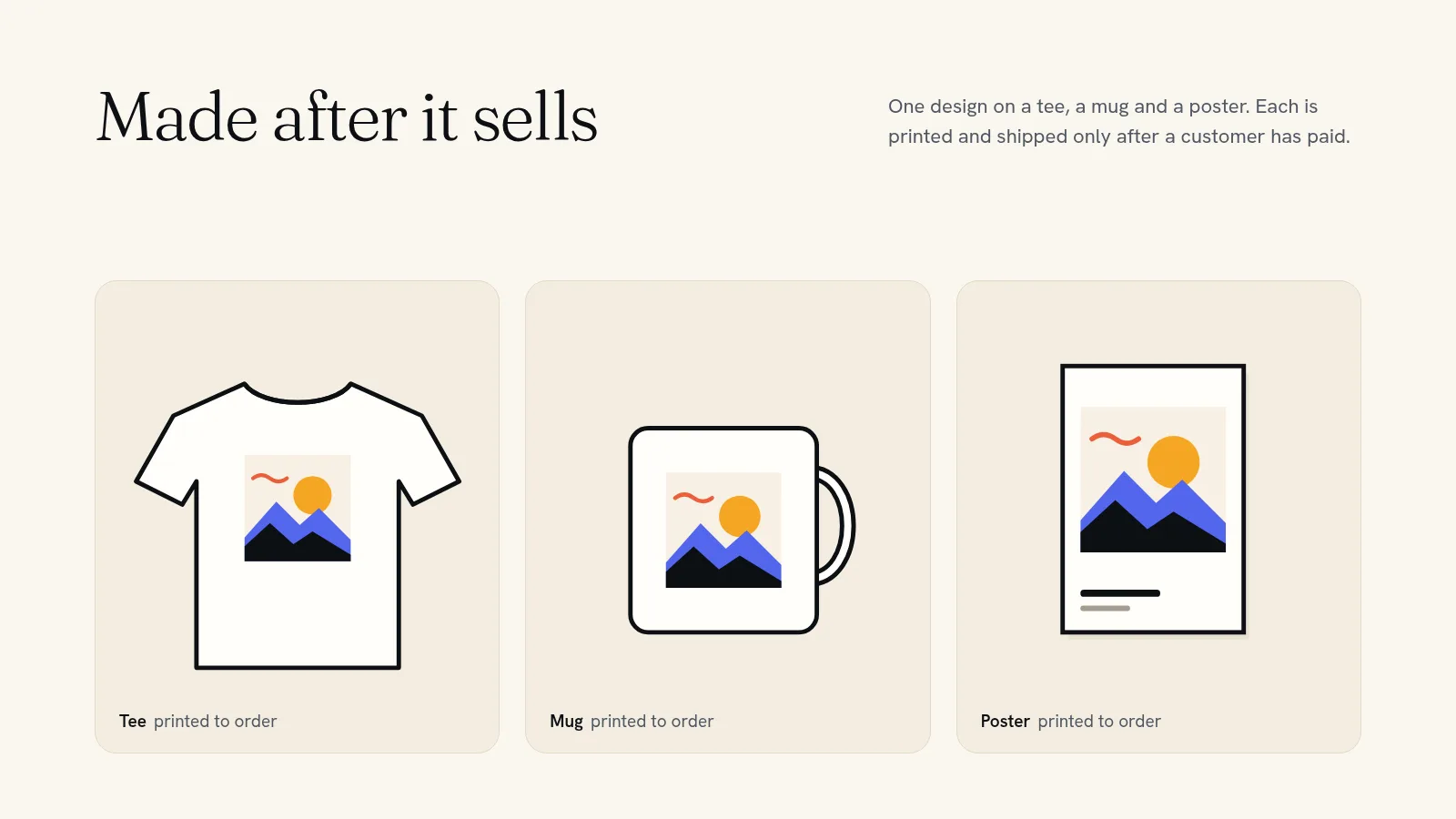
A print on demand store sells products that are only made after someone pays for them. You put your design on a shirt, mug or poster, set your price, and list it in your store. When an order comes in, a print shop prints it and ships it straight to your customer, and its cost comes out of the sale. You never buy stock, pack a parcel or stand in a post office queue. Your work is the designs, the store, and bringing people to it.
Here is how to start one in six steps, with real costs from November 2026 and the mistakes that sink most new stores.
How print on demand works
Every order runs the same way:
- A customer buys your design on your store and pays your price plus your shipping charge.
- The print shop's price for that item, its shipping and any tax is paid out of that sale.
- The print shop makes the item and ships it to your customer, and the tracking number is added to the order.
- You keep the difference.
The trade-off is simple. Each item costs more to make than it would in a bulk run, but nothing is paid until a customer has already paid you. You can test twenty designs for the cost of none, and drop the ones that don't sell without a box of unsold shirts in the garage.
Step 1: pick an audience, then a few products
Stores that sell "funny shirts for everyone" sell to nobody. Start from a group of people you understand: your podcast's listeners, your town, nurses, climbers, people who love a particular dog breed. Then design for them.
Begin with three to five products, not fifty. A good first set is one T-shirt, one hoodie or sweatshirt, and one cheaper item people add on, such as a sticker, a mug or a poster. Fewer products means better product pages and a store that's easy to browse on a phone.
Step 2: get your artwork print-ready
- Use the biggest file you have. Artwork that looks sharp on a phone can print blurry across a chest. Easy Auto Print, the print partner that connects to Quick Elements stores, warns you straight away if your picture would print blurry at the size you've placed it.
- Use a transparent background for anything that isn't meant to be a rectangle.
- Only print what you own. Song lyrics, sports logos, film characters and other brands' names belong to someone else. Removing a product later is the cheap outcome.
Step 3: price for a real margin
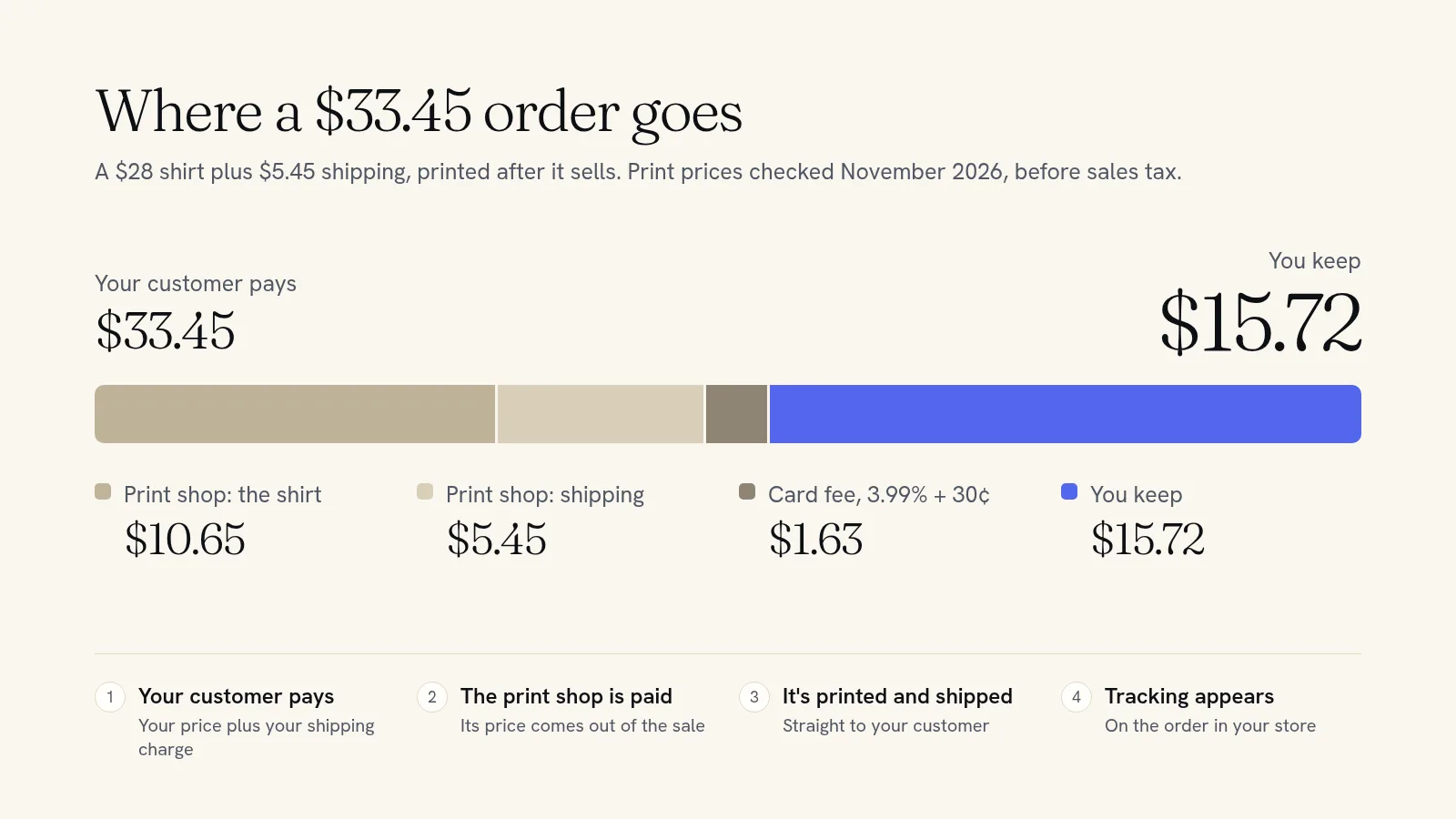
Work backwards from what each sale costs you. Here is a real example. On the day we checked in November 2026, Easy Auto Print listed its Unisex Heavy Cotton Tee from $10.65 in the cheapest color and size, with US shipping from $5.45.
| Amount | |
|---|---|
| Your price for the shirt | $28.00 |
| Shipping you charge the customer | $5.45 |
| Customer pays | $33.45 |
| Print shop's price for the shirt | −$10.65 |
| Print shop's shipping | −$5.45 |
| Card fee on your store (3.99% + 30¢) | −$1.63 |
| You keep | $15.72 |
Bigger sizes cost more to print. With Easy Auto Print you set one price, for the cheapest size, and the exact extra cost is added to the bigger sizes in your store, so you make the same on a 3XL as on a small.
If $15 a shirt sounds low, remember what you didn't spend: no stock, no packaging, no unsold sizes. If it sounds high, check what similar shirts sell for in your niche. Fans and communities often pay more for a design that means something to them.
Step 4: build the store
You can sell print on demand products on a marketplace such as Etsy, but you pay its listing, transaction and processing fees on every order (our Etsy fees breakdown shows how much). Your own store keeps the customer list, the web address and the margin with you.
A store needs:
- A web address people can say out loud. Quick Elements plans include a domain name, and our guide to choosing a domain name helps you pick one.
- A design that suits the audience. Start from a template and change the words, colors and photos. Nothing is locked.
- Product pages that answer questions about fit, fabric, size charts, print method and delivery times.
- Card payments that pay out to your bank, with your business name on your customers' statements.
Step 5: connect your print partner
On a Quick Elements store, print on demand comes from Easy Auto Print, which connects to your store like this:
- Connect your store. Start on Easy Auto Print, approve the connection on Quick Elements, and pick which store to use.
- Add a card. It is only charged for orders your store took payment for some other way. Nothing is charged up front, and there's no monthly fee.
- Design a product. Pick something to sell, place your picture, choose the colors to offer, name it and set your price.
- It appears in your store with photos of your design on the product, and every size in the colors you chose.
- When it sells, Easy Auto Print's price for that order comes out of the sale before it is paid out to you, so you are never billed separately. A print shop makes it and ships it to your customer, and the tracking number is added to the order in your store.
Easy Auto Print only hears about orders that include its products, never your other sales or customers. If an order arrives damaged or misprinted, it reprints it or refunds what you paid, as long as you ask within 30 days of delivery with a photo. And if you stop, disconnecting takes its products out of your store, while orders already placed are still printed and shipped.
Step 6: test it, then launch
- Order one for yourself first. There's no minimum order, so you can check the print, color and fit before your customers do.
- Set your shipping charges to cover what shipping costs you. Easy Auto Print shows shipping prices on each product, and ships to the US and most other countries.
- Be honest about delivery times. Printing comes before shipping, and each product shows how many working days its print shop usually takes. Put both on the product page, especially from November onwards.
- Tell the people who already like you. Post the link, email your list, and pin it to your profiles. Print on demand removes the stock risk, not the need to find buyers.
- Follow up on carts left behind. An automatic email to shoppers who added a shirt and left without paying can bring some of them back.
Mistakes that sink new print on demand stores
- Pricing from the shirt cost alone and forgetting shipping and card fees, which together can take most of a thin margin.
- Launching with too many products and too little about any of them.
- Low-resolution artwork that looked fine on screen.
- Promising Christmas delivery on orders placed in the third week of December.
- Waiting for search traffic instead of selling to an audience you already have.
Start with three designs
A print on demand store is the lowest-risk way to sell your own products: no stock, no packing, and every order paid for before anything is made. On Quick Elements, the store, the web address, the card payments and the printing all connect, so your first product can be live the same day you design it.
See how creators use it on our print on demand store for creators page, read about selling merch for a band or creator, or choose a plan and connect your store today.