
To sell merch online, start with two or three designs your fans already ask about, decide whether each item is printed to order or bought in bulk, and sell them from one store you can link from every post, show and email. Printing to order costs more per shirt but nothing up front. Bulk stock is cheaper per shirt, but you pay first and store the boxes. Most bands, venues and creators start with print to order and only buy stock once a design has proved it sells.
Here's what to sell first, how to price it, where to sell it, and how to sell more around shows and drops.
What to sell first
Three products are enough to launch, and each one does a different job:
- The main shirt. Your logo, the album art, or the line everyone shouts back at you. This is the one most people buy.
- Something cheap. A sticker sheet, a poster or a badge for fans who want to support you but not spend $30.
- Something special. A heavyweight hoodie or a limited print, for the fans who want the best thing you make.
A venue's version is the house logo tee, a poster for the season's line-up, and a gift voucher or season pass. A creator's is the in-joke shirt, a print of the drawing people keep sharing, and a mug.
Ask before you design. A poll in your stories, a question in your newsletter or a show of hands at a gig tells you more than any trend report.
Print to order or buy stock?
| Print to order | Bulk stock | |
|---|---|---|
| Money up front | None. Each item is paid for by the sale. | The whole print run, before you sell one. |
| Cost per item | Higher | Lower, and falls as the order grows |
| Sizes and colors | Offer them all, with no leftovers | Guess the size split and live with it |
| Packing and posting | Done for you, shipped to the fan | Your kitchen table and the post office |
| Best for | Online sales, new designs, wide size ranges | The merch table at shows, proven best sellers |
For a sense of print-to-order costs: in November 2026, Easy Auto Print's Unisex Heavy Cotton Tee started at $10.65 before shipping. A local screen printer will usually beat that per shirt on a big enough order, but asks you to pay for the whole run first.
Plenty of acts do both: printed to order online, a box of the best seller in the van for shows.
How to price merch
Add up what one sale costs you, then add the profit you want:
- The item, from your printer or print-to-order partner, in the size and color that costs most.
- Shipping, which you can charge to the buyer separately. Set it to cover what posting really costs.
- The selling fee where you sell it.
- Your margin. Fans buying merch are supporting you as much as buying a shirt. Price it like something you're proud of, not a discount tee.
Then check it against what similar acts and creators charge. If you're far below them, raise it. Every extra dollar on the price is an extra dollar of profit on every shirt.
Where to sell merch online
Bandcamp
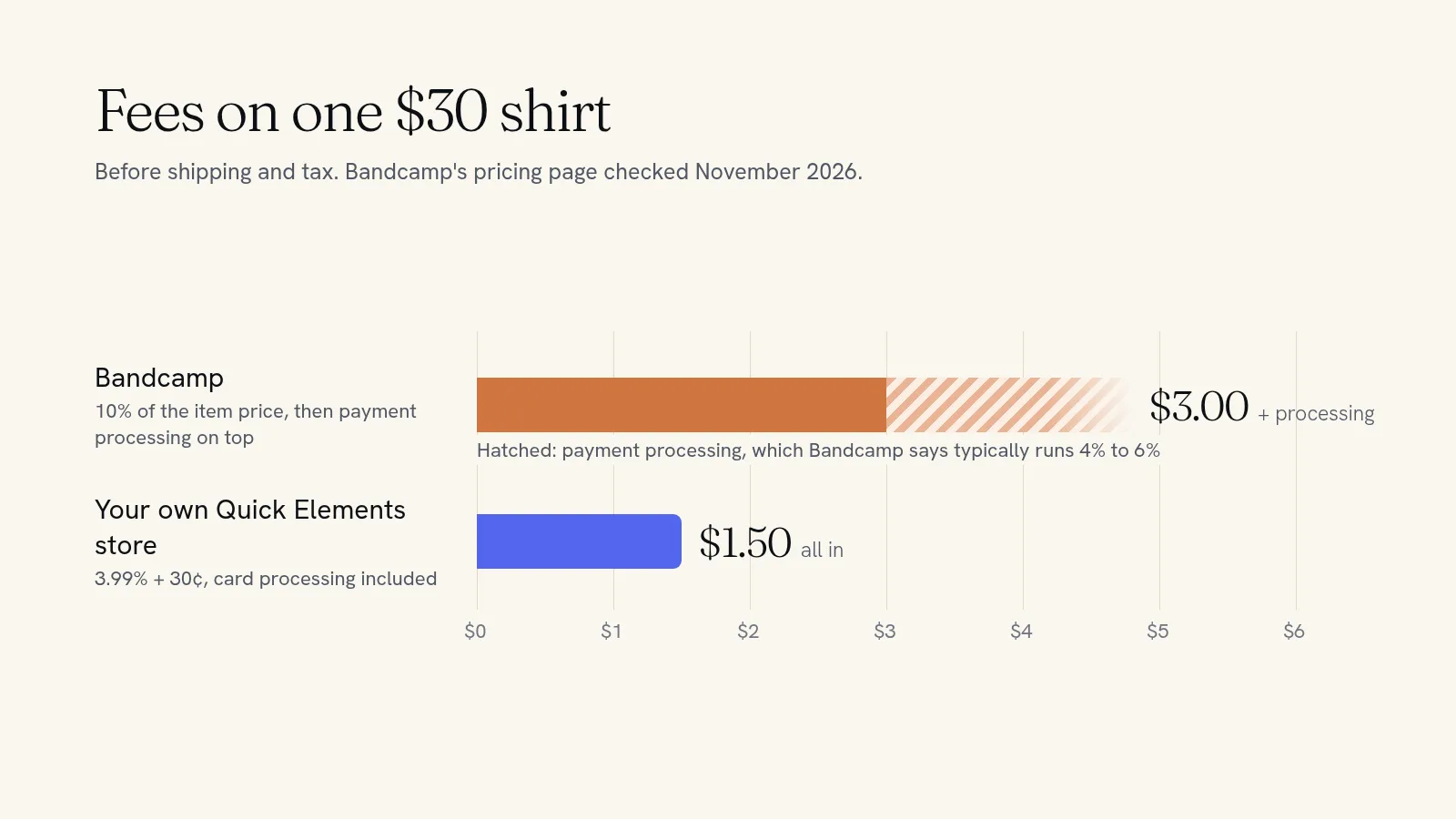
Bandcamp is where many music fans already buy. On physical merch it takes 10% of the item price (not the shipping or tax), counted on the first $100 of each item, and payment processing comes on top, which Bandcamp says typically runs 4% to 6%. Those figures come from Bandcamp's pricing page, dated June 2026 and checked in November 2026. If your fans live on Bandcamp, keep selling your music there.
Marketplaces
Etsy and similar marketplaces put your shirts in front of shoppers searching for them, for a listing fee, a transaction fee, processing, and sometimes an ad fee. Our breakdown of Etsy fees shows what that adds up to on a real order.
Your own store
One web address for everything: merch, tour dates, tickets, the mailing list, the story behind the album. Fans can bookmark it, and you keep their email addresses. On a Quick Elements store the only fee on a sale is 3.99% + 30¢, card processing included.
On a $30 shirt, Bandcamp's share is $3.00 before payment processing. On your own Quick Elements store, the whole fee on that $30 sale is $1.50.
Setting up your merch store
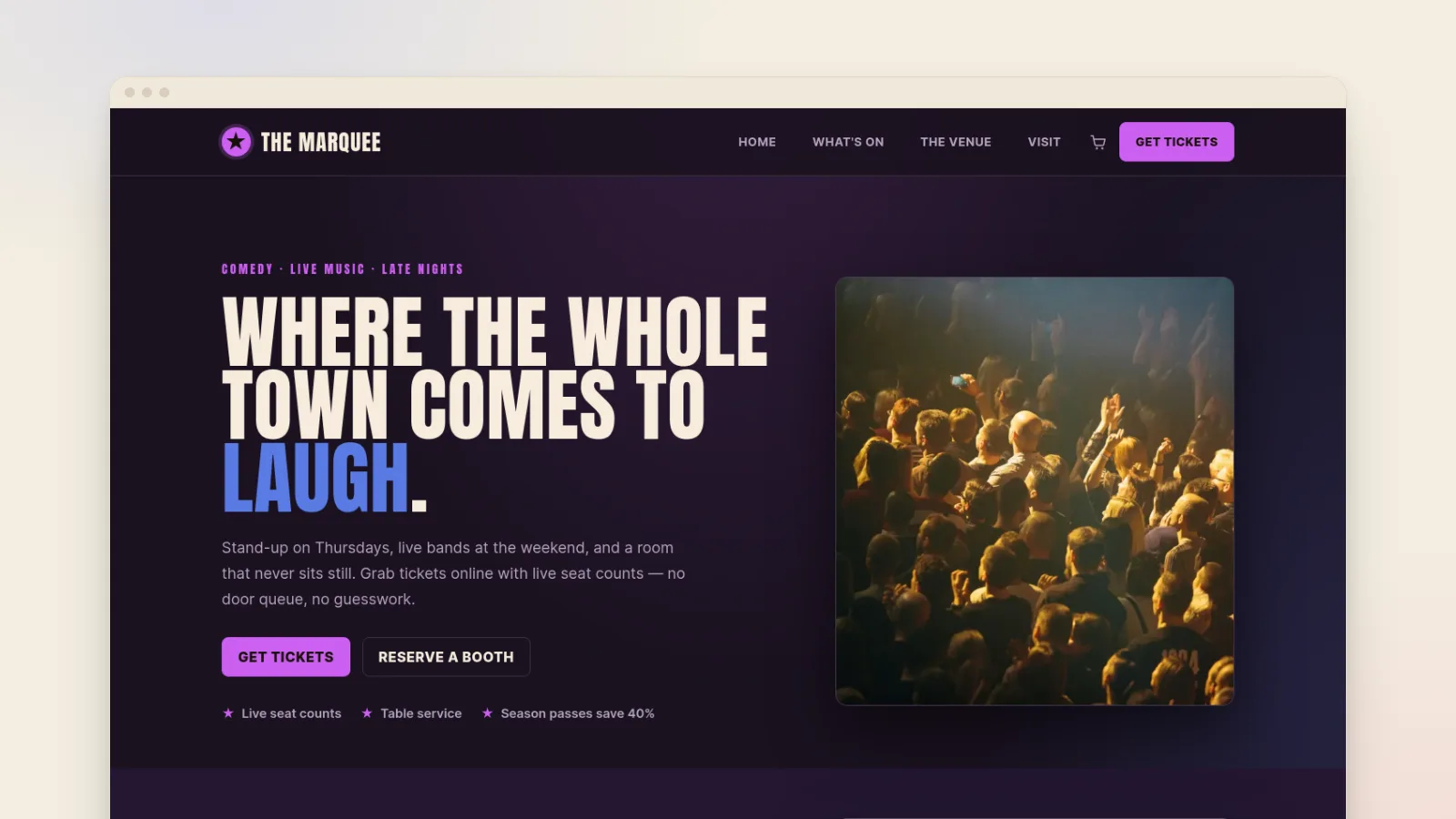
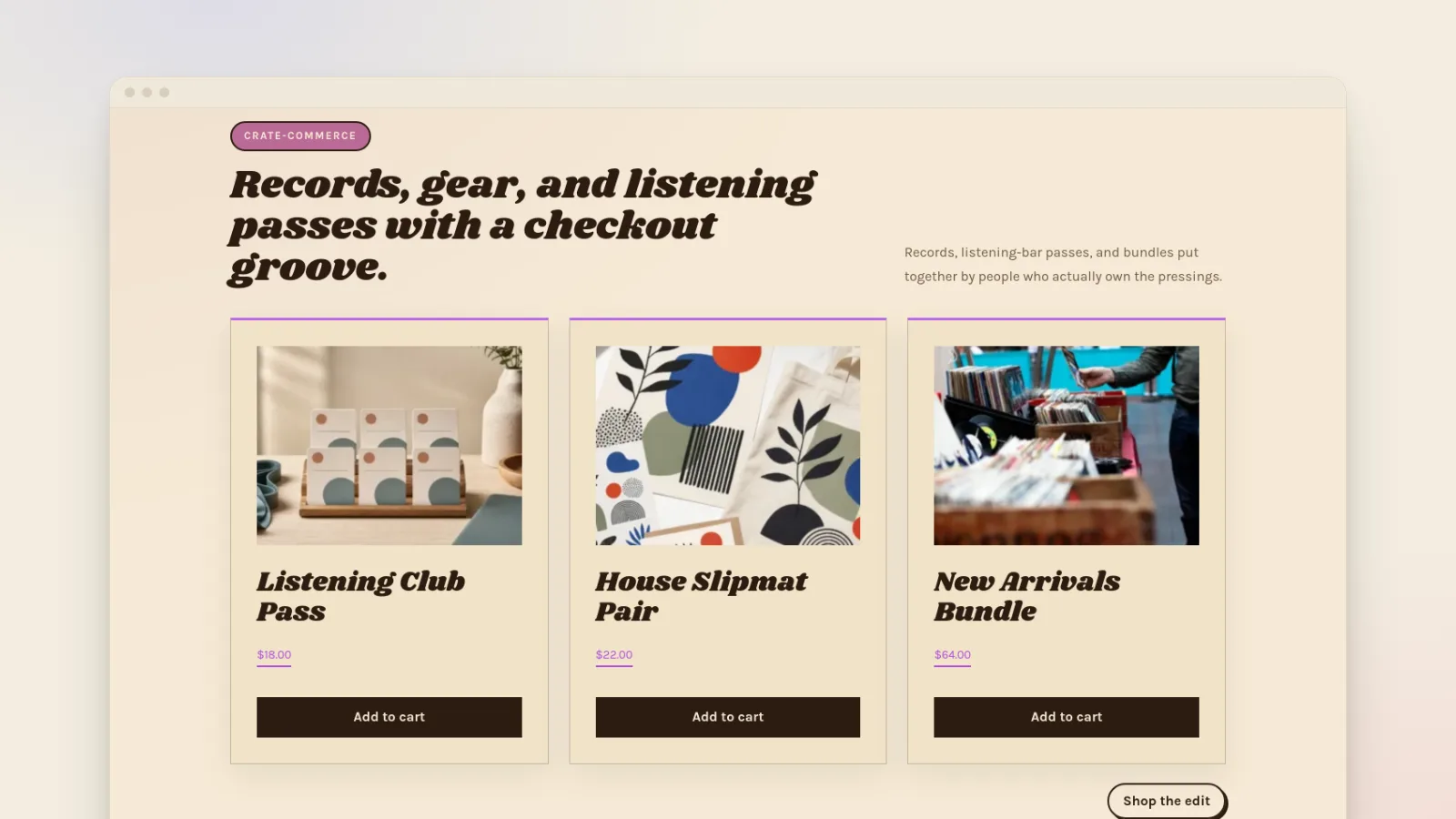
- Pick a design that matches the act. The music venue template is loud and dark with a line-up front and center. The record store template is warmer and suits a label or a shop.
- Add your products with sizes and colors as options on each, a size chart, and photos of real people wearing them if you have them.
- Connect print to order. On Quick Elements, Easy Auto Print adds your designs to your store with product photos in every color you choose. When one sells, its print shop makes it and ships it to the fan, and its price comes out of the sale. Our guide to starting a print on demand store walks through it.
- Add your stock items with how many you hold, so the store stops selling a size when the box is empty. Set your shipping rates for the things you post yourself.
- Turn on card payments, which go to your bank with your name on the fan's statement.
One thing to tell buyers: printed-to-order items and items from your own stock ship separately, so an order with both can arrive in two parcels.
Sell more around shows and drops
- Bundle the shirt with the ticket. If you sell tickets on your own site, add the tour shirt as an add-on people can only buy with a ticket, and hand it over at the door. It's a sale made weeks before the show, and you know exactly how many to bring.
- Run limited drops. A design that's only on sale for two weeks gives people a reason to buy now instead of "sometime".
- Reward the mailing list. Send fans on your list a coupon code or an early link before you announce a drop anywhere else.
- Put the link everywhere you already are: the bio, the video description, the merch table sign, the last slide of the set.
- Follow up on abandoned carts. An automatic email to fans who left a hoodie in their cart is a polite nudge to finish the order.
Open your merch store
Your fans already want the shirt. What they need is one place to buy it that's always there, isn't buried in a feed, and puts more of each sale in your pocket. A Quick Elements store gives you that, with printing to order connected, tickets on the same site, and your own mailing list.
See how creators sell without stock on our creator store page, or choose a plan and put your first design up today.