
To take pre-orders online, list the item on your website as available to order now, say exactly when it will be ready, limit how many people can order to the number you can actually make, and take full payment at checkout. If customers collect, let them choose a pickup time so you know who is coming when. Then send a reminder before the day. A bakery, a maker or a small shop can run all of this from its own website.
Below: how to decide the rules of your pre-order, set a cap you can keep, handle pickup times, and avoid the mistakes that turn a sell-out into a bad weekend.
Decide how your pre-order works
Write these down before you build anything. They become the text on your page.
- Paid in full, now. Taking the whole payment at checkout is simplest and cuts no-shows. People who have paid turn up.
- One ready date, or a rolling one. "Ready Saturday 23 December" for a holiday bake. "Ships within three weeks" for a batch of ceramics or a new print run.
- A cut-off. "Orders close Thursday at 6pm" gives you a fixed number to bake or make for.
- Collection or delivery. Pickup keeps fresh food simple. Posting works for things that travel.
- What happens if you can't deliver. A short line such as "If we can't make your order, we'll refund you in full the same day" removes most of the risk people feel paying in advance.
Set a limit you can actually make
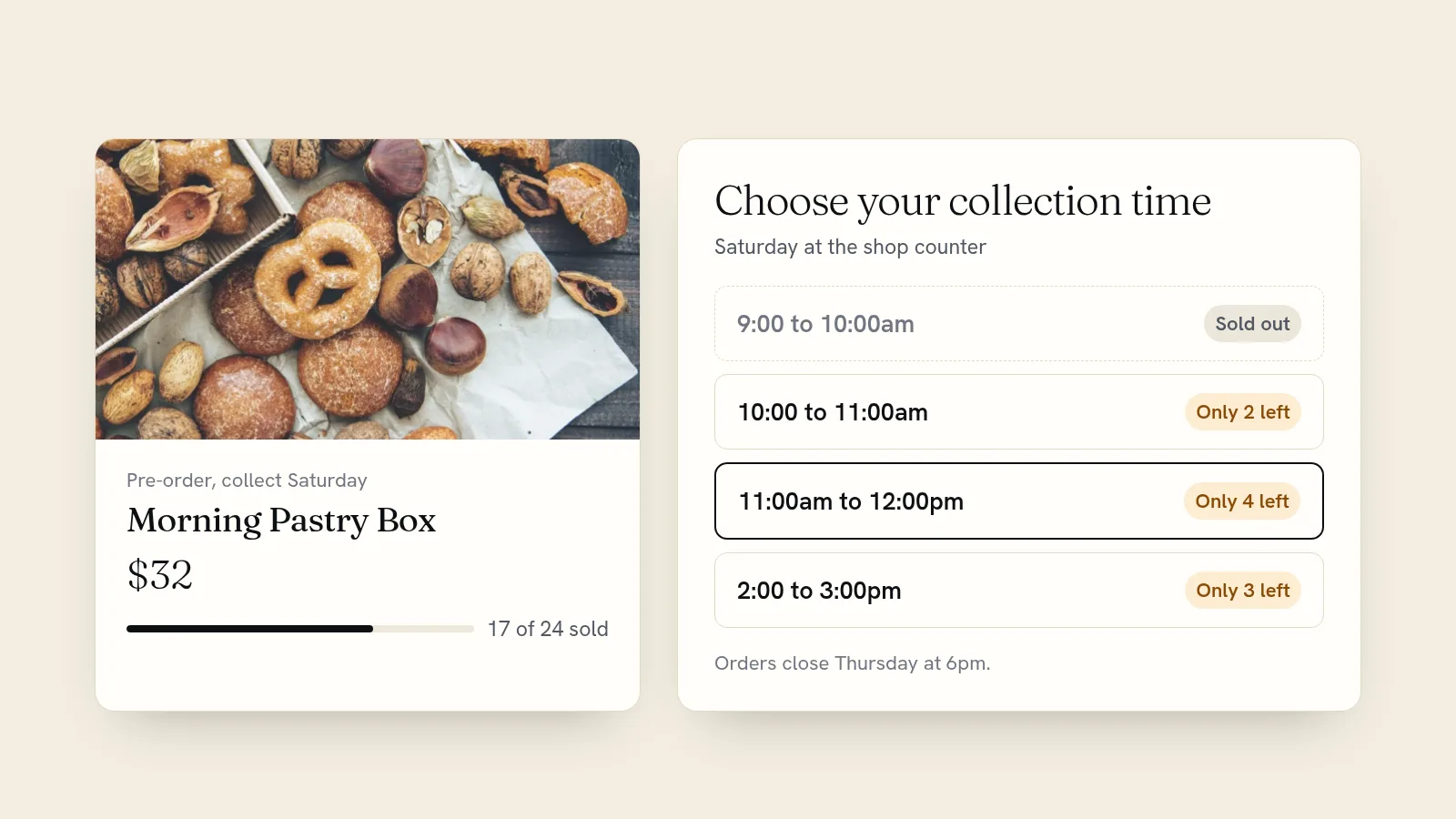
The worst pre-order is the one that sells twice what your oven holds. Give each pre-order item a stock number equal to what you can produce: 24 pastry boxes, 40 pies, 12 vases from the next firing. Your store counts down with each order and stops selling at zero, so you can't be oversold while you sleep.
Reset the number for the next batch. A "sold out" label on Friday is also the best advert for next week's pre-order.
Write a pre-order page people trust
Someone paying today for something they get later needs more reassurance than a normal shopper. Put these on the product page itself:
- "Pre-order" and the ready date in the product name, such as "Pre-order: Christmas stollen, collect 23 Dec".
- What's in it, sizes, and how many it serves.
- Allergens and ingredients for food.
- The cut-off and the pickup or delivery window.
- Your refund rule, in one sentence.
- A real photo of the last batch.
Give people a pickup time
For collected orders, a time slot stops forty people arriving at 9am. There are two ways to do it on your own site.
Option 1: order first, then book a collection slot
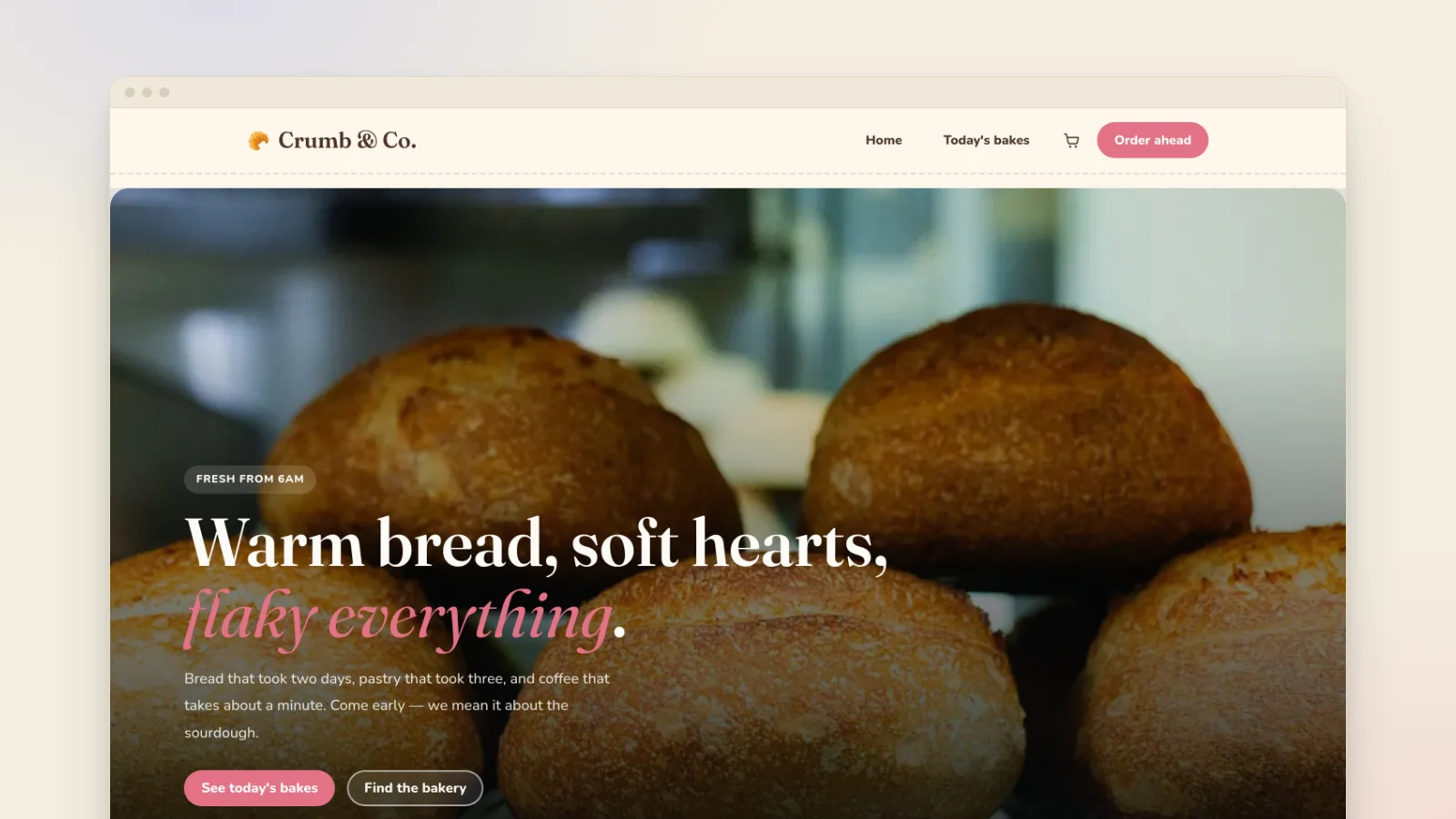
Customers buy the item in your shop, then book the hour they'll collect it. The Crumb bakery template comes set up this way. Its celebration cake collection runs on Fridays and Saturdays in hourly slots, with four collections per hour, so the counter never has more cakes waiting than it can handle.
Option 2: sell the pre-order as the slot itself
For a fixed-date drop, such as holiday pies or a weekend family meal, make the pickup times the thing people book. Each time slot gets a set number of items, the items are the "tickets" with their own prices, and extras like a jar of jam or a candle are add-ons that can only be bought with an item. The customer picks a time, chooses what they want and pays in one go, and the order and its emails show the date and time of pickup. Ten pies per half hour means ten pies per half hour.
Announce it like a launch
A pre-order sells on timing. Give people a reason to act when it opens and again just before it closes, with four short posts or emails:
- A week before: show the product and say when orders open. "Stollen pre-orders open Monday at 8am. We're making 40."
- Opening day: the link, the cut-off, and the pickup dates. Email your list first, then post.
- Halfway: an honest update. "26 of 40 gone" tells people the cap is real.
- Last call: a day before the cut-off, for everyone who meant to order and didn't.
When it sells out, say so publicly and point people at the sign-up for the next batch.
Keep buyers posted until pickup
Someone who has paid and is waiting wants to know it's on track. Short, automatic messages tell them:
- A confirmation straight after the order, with the item, the date and where to collect.
- A reminder the day before, sent automatically with their collection time, plus your address and parking tips.
- A "ready" email when you mark the order complete.
- A first look at the next drop for everyone who bought this one. Email the people who joined your mailing list at checkout before you post it anywhere else.
For the next round, a sign-up box or popup on your home page ("Get first pick of next month's bake") builds a list of people waiting to buy before the pre-order even opens.
Pre-orders that work for small businesses
- Bakeries: holiday breads and pies, celebration cakes with a week's notice, weekend pastry boxes.
- Florists: Valentine's and Mother's Day bouquets, where the cap matches the flowers you've ordered. The florist template is a good starting point.
- Restaurants and delis: holiday dinners, Friday family meals and picnic boxes. Our guide to commission-free online ordering covers pickup ordering for restaurants in more detail.
- Makers: the next kiln firing, a limited print run, a restock of a sold-out design.
- Shops: new-release records, signed books and seasonal boxes, ordered before the stock arrives.
Mistakes that ruin a pre-order
- No cap. You find out on Thursday night that you sold 70 of something you can make 40 of.
- A vague date. "Early December" leads to a week of "is mine ready?" messages.
- No cut-off. Orders keep arriving after you've bought the ingredients.
- Taking payment through messages. Bank transfers and screenshots in your DMs mean matching every payment to a name by hand.
- Not testing it. Place an order yourself, on your phone, before you post the link.
Set up pre-orders on your own site
On Quick Elements, everything above lives on one site: products with stock limits that stop at zero, pickup at checkout, collection times capped per hour, card payments to your bank, automatic reminders, and the mailing list for the next drop. You can edit any of it yourself, or ask the built-in assistant to add the product, set the cut-off text and run a sale for you.
Start from the bakery template, which already has order-ahead boxes and collection times in place, or choose a plan and open your first pre-order this week.