Commission-free online ordering means customers order and pay on your own website or ordering page, and you pay a card fee per order instead of a percentage to a delivery app. As of November 2026, DoorDash takes 15% to 30% of each delivery order and 6% of each pickup order, and Uber Eats takes 20% to 30% on delivery and 7% on pickup. Moving your regulars to your own ordering page, especially the ones who would happily collect, keeps most of that money in the restaurant.
Here's what each delivery plan costs on a real order, your commission-free options, and how to set up pickup ordering on your own website.
What delivery apps charge restaurants
| App and plan | Delivery orders | Pickup orders |
|---|---|---|
| DoorDash Basic | 15% | 6% |
| DoorDash Plus | 25% | 6% |
| DoorDash Premier | 30% | 6% |
| Uber Eats Lite | 20% | 7% |
| Uber Eats Plus | 25% | 7% |
| Uber Eats Premium | 30% | 7% |
| Uber Eats, delivering with your own staff | 15% | 7% |
The bigger plans buy a wider delivery area, a lower delivery fee for customers and more visibility in the app. DoorDash's 6% pickup rate also requires your pickup menu prices on DoorDash to match your in-store prices.
What that means on a $40 order
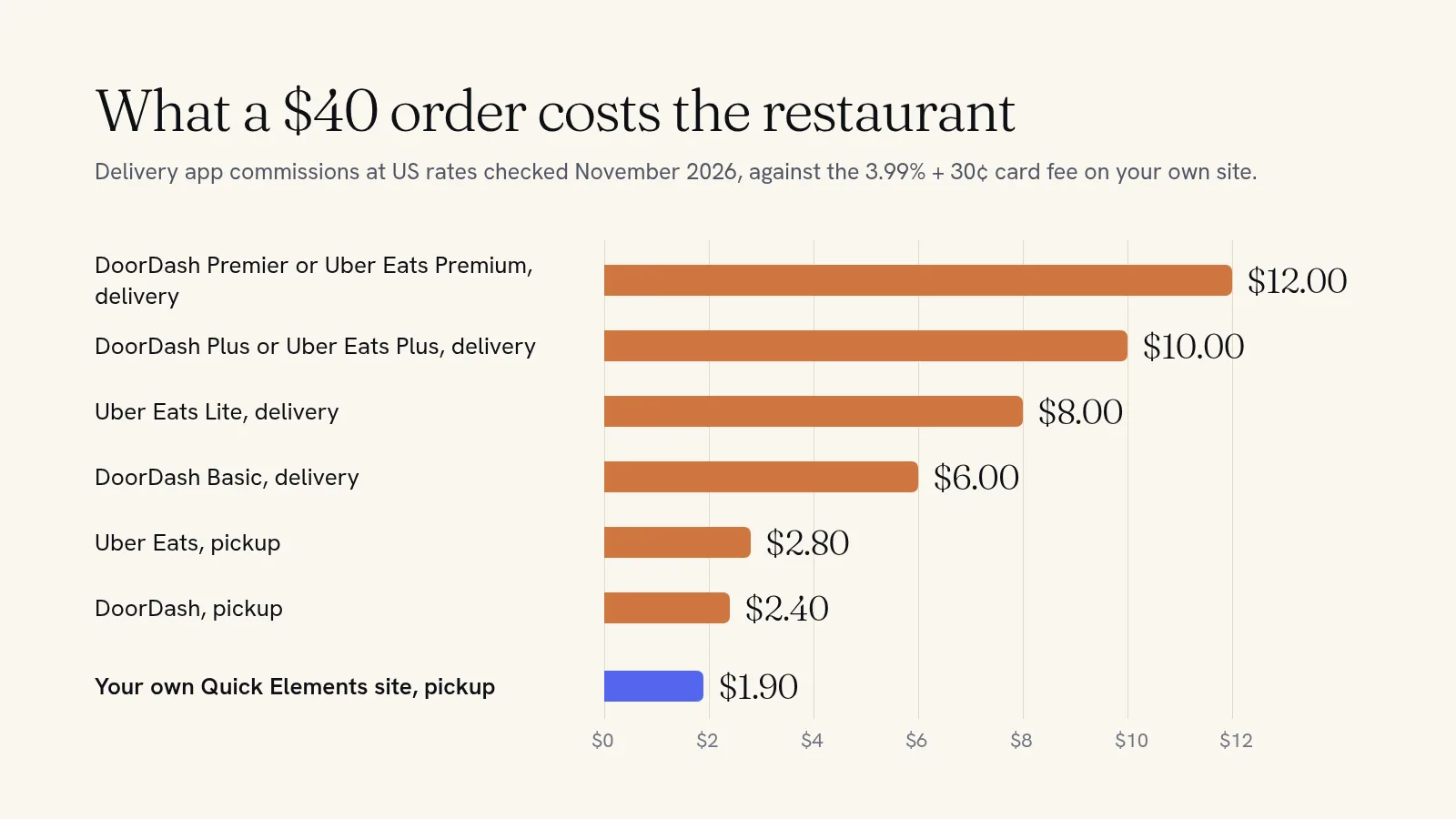
A busy month of 100 delivery orders at $40 on a 25% plan is $1,000 in commission. The same 100 orders placed as pickup on your own site cost $190 in card fees at Quick Elements' 3.99% + 30¢, plus the website plan.
The saving is smallest on app pickup orders, where 6% or 7% is not far from a card fee. It's biggest when a regular who would have ordered delivery through an app orders from you and collects it, or when you run your own delivery to nearby streets.
Your options for commission-free ordering
The delivery company's own ordering page
Both big apps now sell a separate ordering page for your own website. DoorDash says orders through its Online Ordering product carry no commission, with standard card processing on top, and its couriers can deliver them. Uber Eats charges 2.5% + $0.29 per order for its Webshop. These are cheap per order. The page is still their product, though, linked to their menus and their systems, and it does one job.
Your till system's online ordering
Many point-of-sale systems offer online ordering that sends orders straight to the kitchen. If your orders need to print on the line and sync with the till, ask your provider what it costs before anything else.
Your own website, with ordering built in
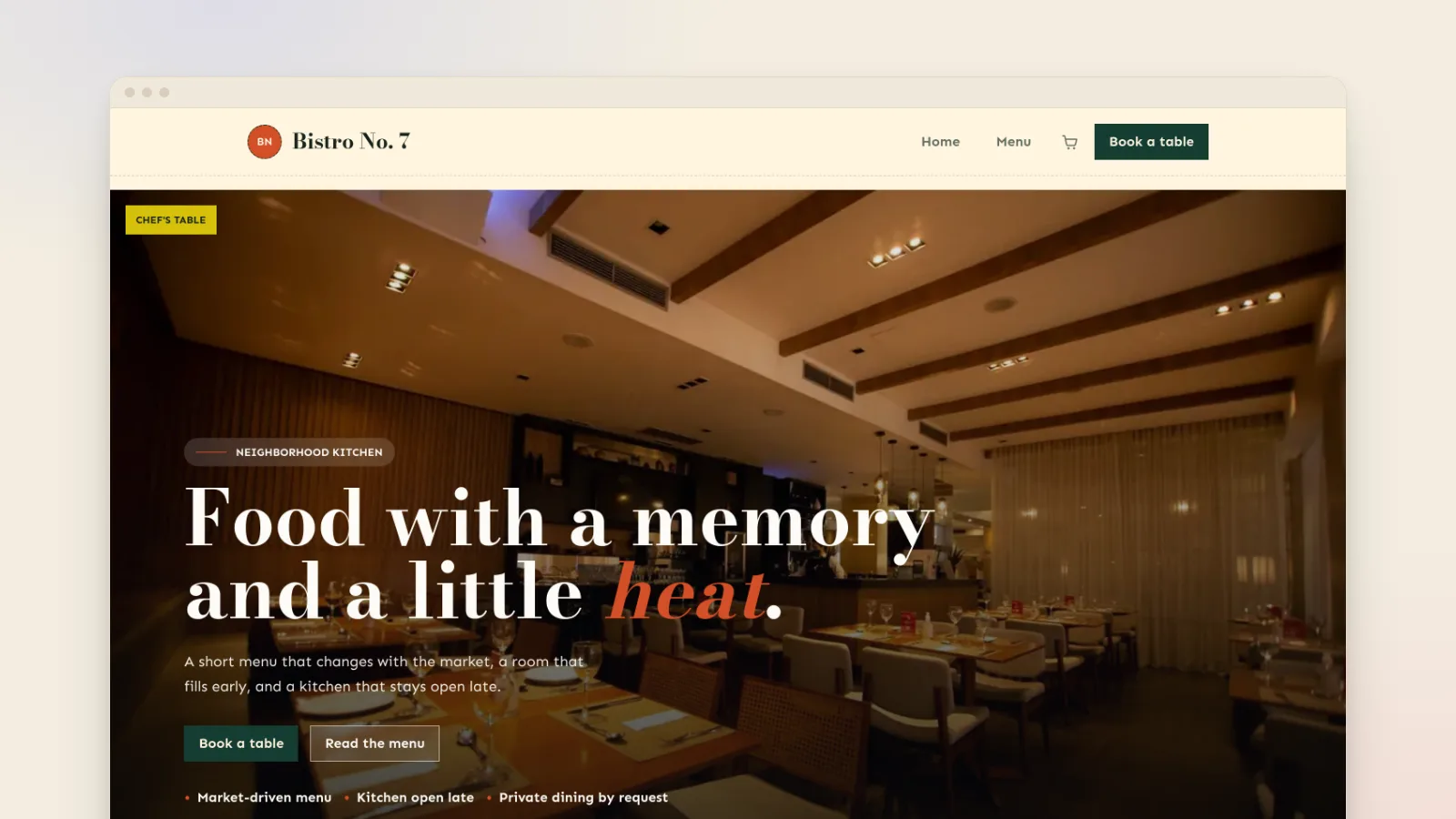
Your menu becomes a shop on your own site. Guests order and pay there and collect at the time you set. The same site takes table bookings, sells vouchers and pantry jars, sells tickets to supper clubs and tastings, and collects email addresses for your newsletter. Every order is yours, with no app's branding around it.
How to set up pickup ordering on your own website
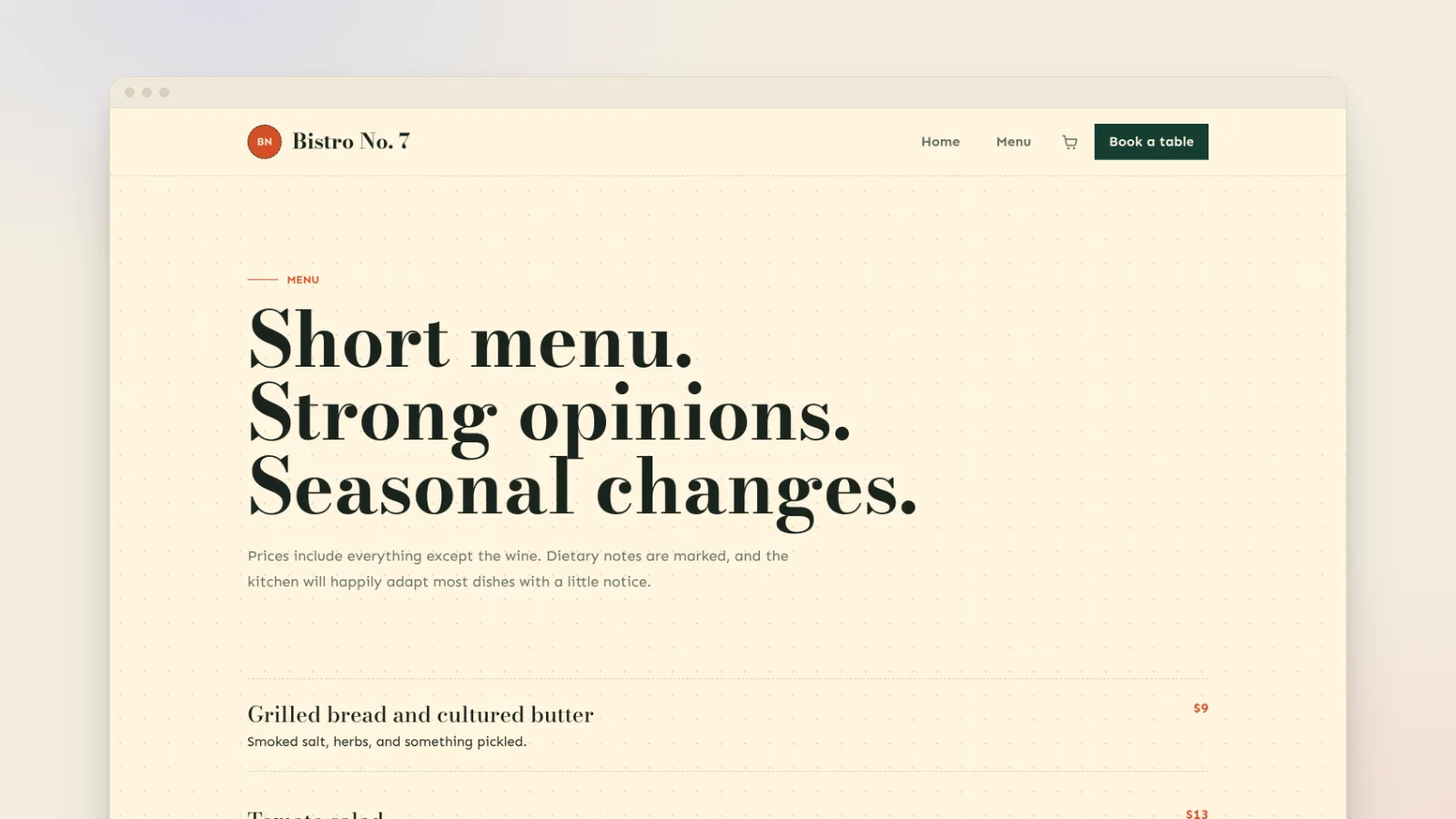
- Add your menu as products. One product per dish, with a photo, a price and a short description, grouped into categories like Mains, Sides and Family meals. Sizes or choices, such as half or whole, become options on the same dish (see setting up product options).
- Turn on pickup at checkout. Add a local pickup option in your shipping settings, at no charge. If you deliver yourself, add a delivery charge for the postcodes you cover and nowhere else.
- Cap the kitchen. For set-time meals like Friday family dinners or holiday orders, sell pickup windows with a limit on each: 5:00, 5:30 and 6:00, ten meals each. Guests pick a window, choose dishes and add sides, and the kitchen never gets more than it can cook in half an hour.
- Turn on card payments so the money goes straight to your bank, under your restaurant's name on the guest's statement.
- Watch the orders come in. Each one appears in your orders list with what was ordered and the pickup details. Mark it complete when it's collected.
- Tell your regulars. Put the link in your Google profile and Instagram bio, print it on bags and receipts, and add it to your table cards.
How to move regulars off the apps
Nobody switches to your website because it saves you money. Give them a reason of their own:
- A thank-you for ordering direct. A coupon code for a free side or dessert on their first website order costs less than one app commission.
- Something the apps don't have. The Sunday roast for four, the chef's special that sells out, the holiday menu. Put them only on your own site.
- A note in every app bag. A small card with your web address and the code. App customers are already your customers. This is how you reach them.
- Your staff. "Next time, order on our website and it's ready when you walk in" at the counter works better than any sign.
- A reason to come back. Ask for an email at checkout, then send this weekend's specials on Thursday afternoon.
Is your own site the right fit?
Ordering on your own website works best for order-ahead pickup: family meals, weekend boxes, holiday dinners, bakery orders, picnic hampers and lunch for regulars who order the same thing every week. It also puts table bookings, vouchers and events on the same site as the ordering, under one plan.
It isn't a courier network. If most of your orders are delivered by drivers, or you need orders printed in the kitchen and synced to your till, keep the delivery apps or use your till's own ordering for that. Many restaurants do both: the apps bring in new customers, and the website turns the ones who come back into commission-free regulars.
Take orders under your own name
Every regular who orders through an app is a regular you're paying a percentage to keep. A website that takes orders, bookings and voucher sales, at 3.99% + 30¢ per card sale with no commission, gives them a reason to come straight to you.
See how it fits a restaurant on our restaurant websites page, start from the restaurant template, or choose a plan and put your menu online this week. If you run a bakery or deli, our guide to taking pre-orders online covers capped batches and collection times.