
Peek Pro doesn't publish its pricing. As of November 2026, Peek's own site describes its pricing as custom and commission-based, and you get a figure by booking a demo. Its merchant agreement fills in the shape: Peek takes a commission or a flat fee on every booking that goes through or is entered into Peek, worked out on the gross value and kept back from your payouts, with card processing on top. Joining Peek's consumer marketplace can raise your commission. The actual percentage is written into each operator's own service order.
So the honest answer to "how much does Peek Pro cost" is: whatever your quote says. Below is what Peek does publish, the questions that turn a quote into a real number, and how to compare it with taking bookings on your own website.
What Peek publishes about its pricing
- Pricing is custom. Peek's own comparison of booking systems lists Peek Pro's pricing as "custom/commission-based". There is no price list or calculator on its site.
- A commission or flat fee on every booking. The merchant agreement entitles Peek to a commission or a flat fee "on all of the Merchant Services purchased through or entered into the Peek Platform". Peek may calculate it on the gross transaction value.
- Fees come out of your payouts. Peek keeps its fees from what customers pay and sends you the rest. It can also invoice you, with 30 days to pay.
- Extras are included in what's charged. The agreement's definition of Peek's fees covers amounts like add-ons, tips, convenience fees and surcharges processed through Peek.
- Card processing is separate. Peek's fees exclude card processing. If you use another processor instead of Peek's own payments, its card fees are yours to pay.
- The marketplace can cost more. Listing your activities on Peek.com may increase your commission on those bookings. You can opt out in writing.
Sources: Peek's Peek Pro site and its merchant agreement, checked November 2026. Peek's help center is only open to signed-in operators. Rates you may see quoted on review and comparison sites aren't from Peek, so we've left them out.
Questions that turn a Peek Pro quote into a real number
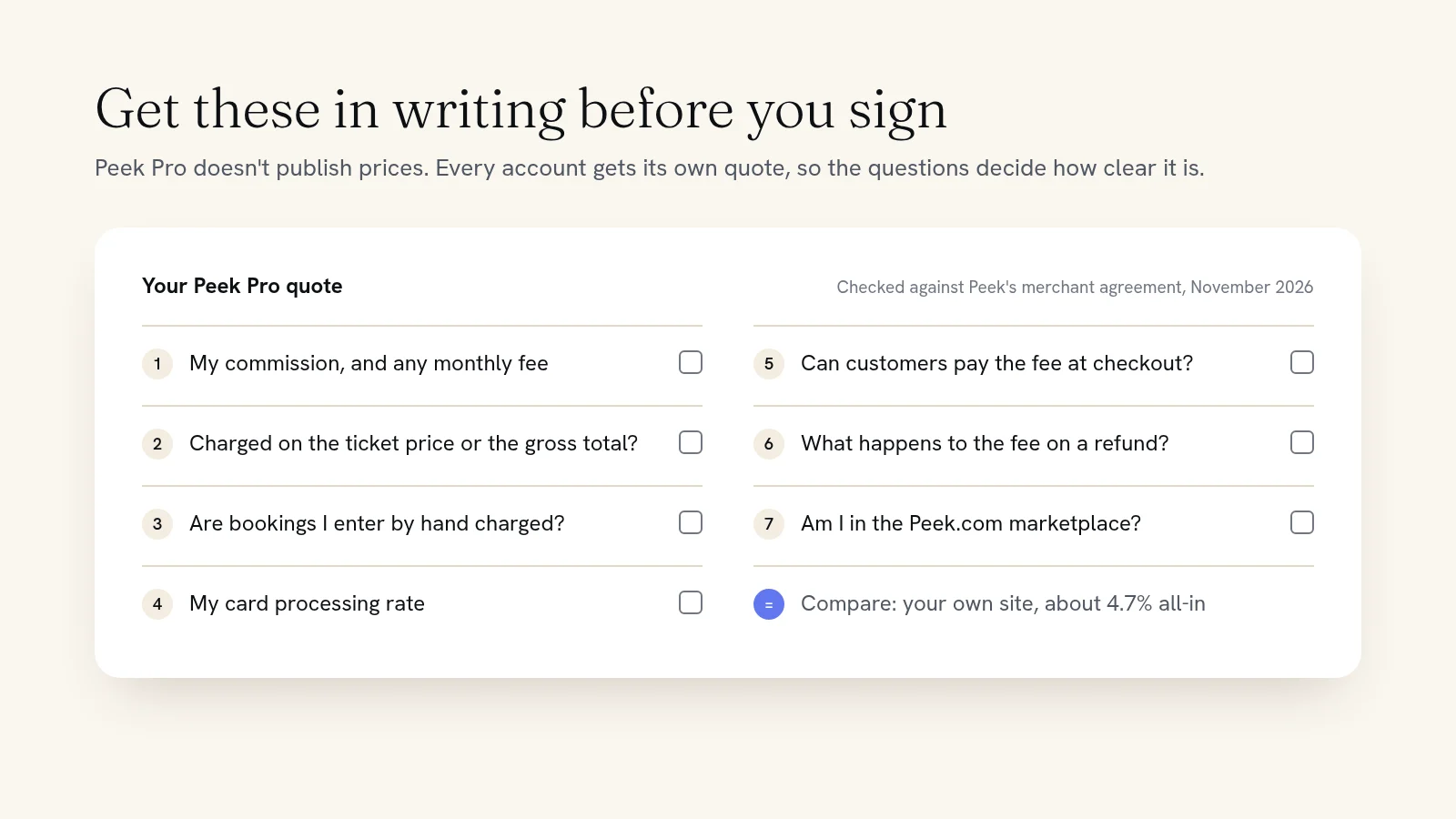
Because every account is priced separately, the quote is only as clear as the questions you ask. Get the answers in writing:
- What is my commission, and is there a monthly fee? The agreement mentions subscriptions as well as commissions, so ask about both.
- Is it charged on the ticket price, or on the gross total including tax, add-ons, tips and any booking fee I add?
- Are bookings I enter by hand charged? Phone and walk-up bookings typed into Peek count as "entered into the Peek Platform".
- What is my card processing rate, and is it per payment or per ticket?
- Can my customers pay the fee at checkout, and if so, does the commission apply to that fee too?
- What happens to the fee when I refund a booking, in full or in part?
- Am I enrolled in the Peek.com marketplace, and what does it add to my commission?
How to compare a commission quote
Turn the quote into a percentage of your bookings, then into dollars for a season. Say you take $120,000 in bookings a year, an average of $80 each, which is 1,500 bookings. Every 1% of commission is $1,200 a year, before card processing.
| If your all-in rate is | On $120,000 of bookings you pay |
|---|---|
| 4% (commission plus card processing) | $4,800 |
| 6% | $7,200 |
| 8% | $9,600 |
| Your own Quick Elements site: 3.99% + 30¢ per sale, plus a $29 a month plan | $5,586 |
At this size, your own site costs about 4.7% of your bookings, card processing and the website included. If your Peek quote's commission and card rate add up to more than that, the difference is yours to keep by taking bookings directly. If they add up to less, Peek is the cheaper option on fees alone.
Who Peek Pro suits
Peek is built for tour, activity and rental operators and covers ground a website builder doesn't. Its site lists:
- Signed digital waivers, completed before guests arrive.
- Waitlists and dynamic pricing that moves within limits you set.
- Connections to travel sites such as Viator and GetYourGuide.
- A point-of-sale for walk-ups, and security deposits and card holds for equipment rentals.
If you need waivers signed as part of every booking, or bookings from travel sites, those count for more than a point or two of commission. A Quick Elements site doesn't connect to travel sites and has no automatic waitlist. Waivers work differently too: you build a form with a signature box and link it from the confirmation email, but signing it isn't part of booking or check-in. For sold-out dates, a "tell me if a place opens" form does the job of a waitlist by hand.
What booking on your own site looks like
On a Quick Elements site, each tour or activity gets its own page on your web address, in your design. You set departures on the days you run with places per slot, a price for each kind of guest, extras like gear hire, higher prices on chosen dates, and shared capacity so two trips can't oversell the same boat or van. Reminder emails go out before each booking, and every sale lands in one list you can search by date. You pay 3.99% + 30¢ per card sale, card processing included, and nothing is added to your customer's total.
The tour operator design shows a finished trips page. If you're weighing other booking systems too, see what FareHarbor charges and Xola's pricing, or read our comparison for tour operators, which sets a booking system against your own site line by line.
Before the demo
Write down last season's total bookings and how many of them came from travel sites. Take the seven questions above into the demo, then work your quote out as a percentage of that total. If it comes to more than about 4.7%, look at our plans before you sign.